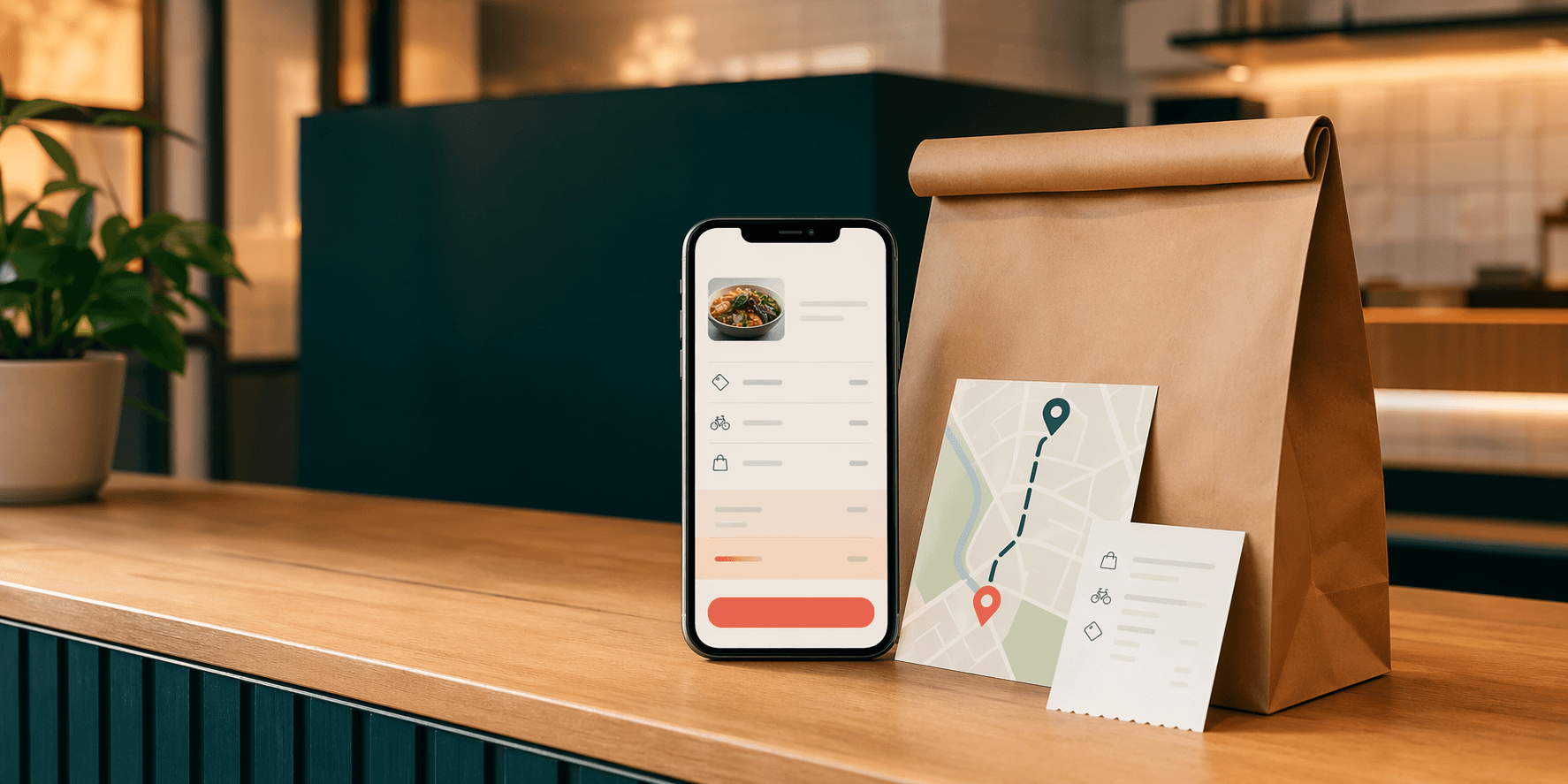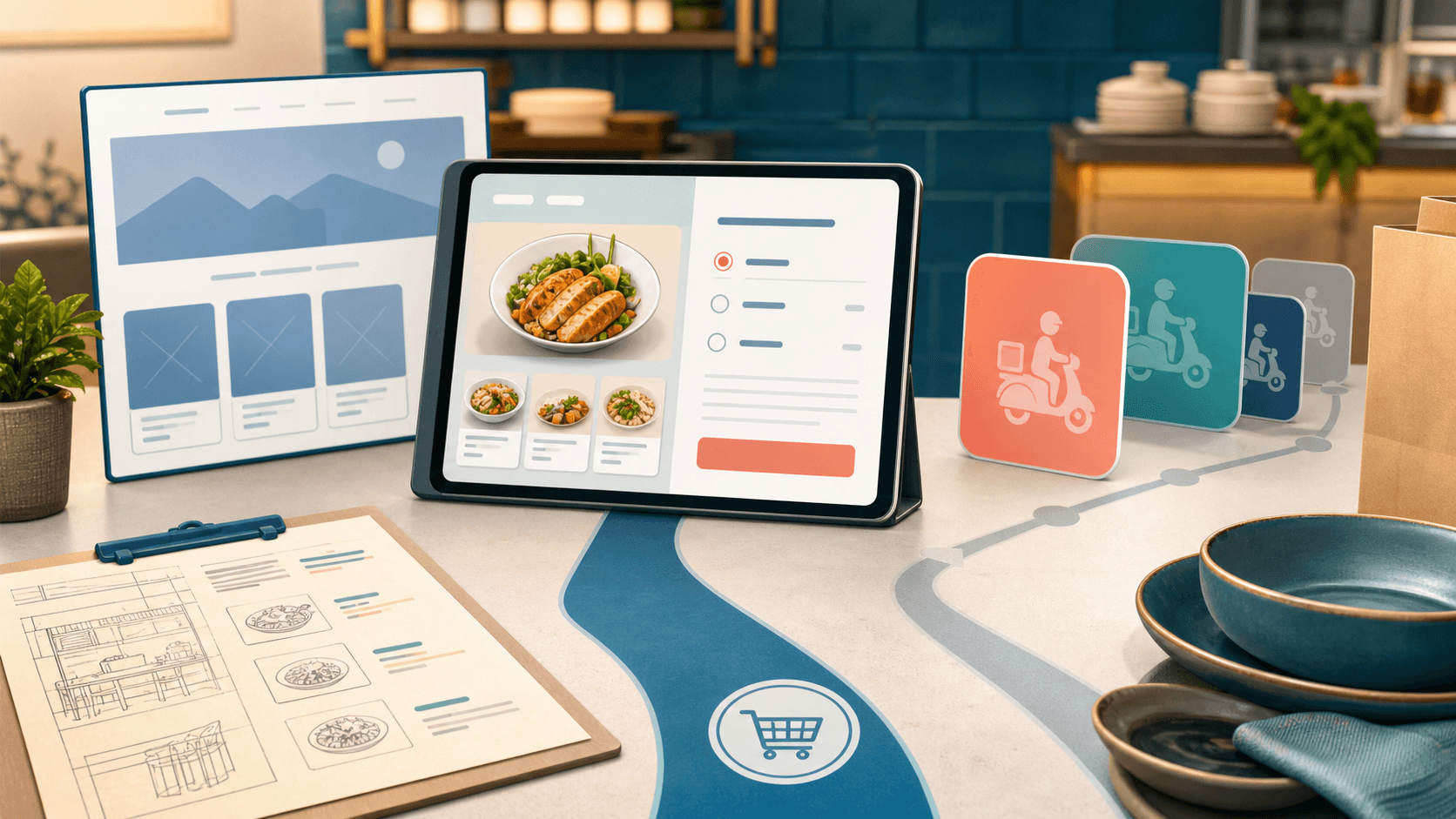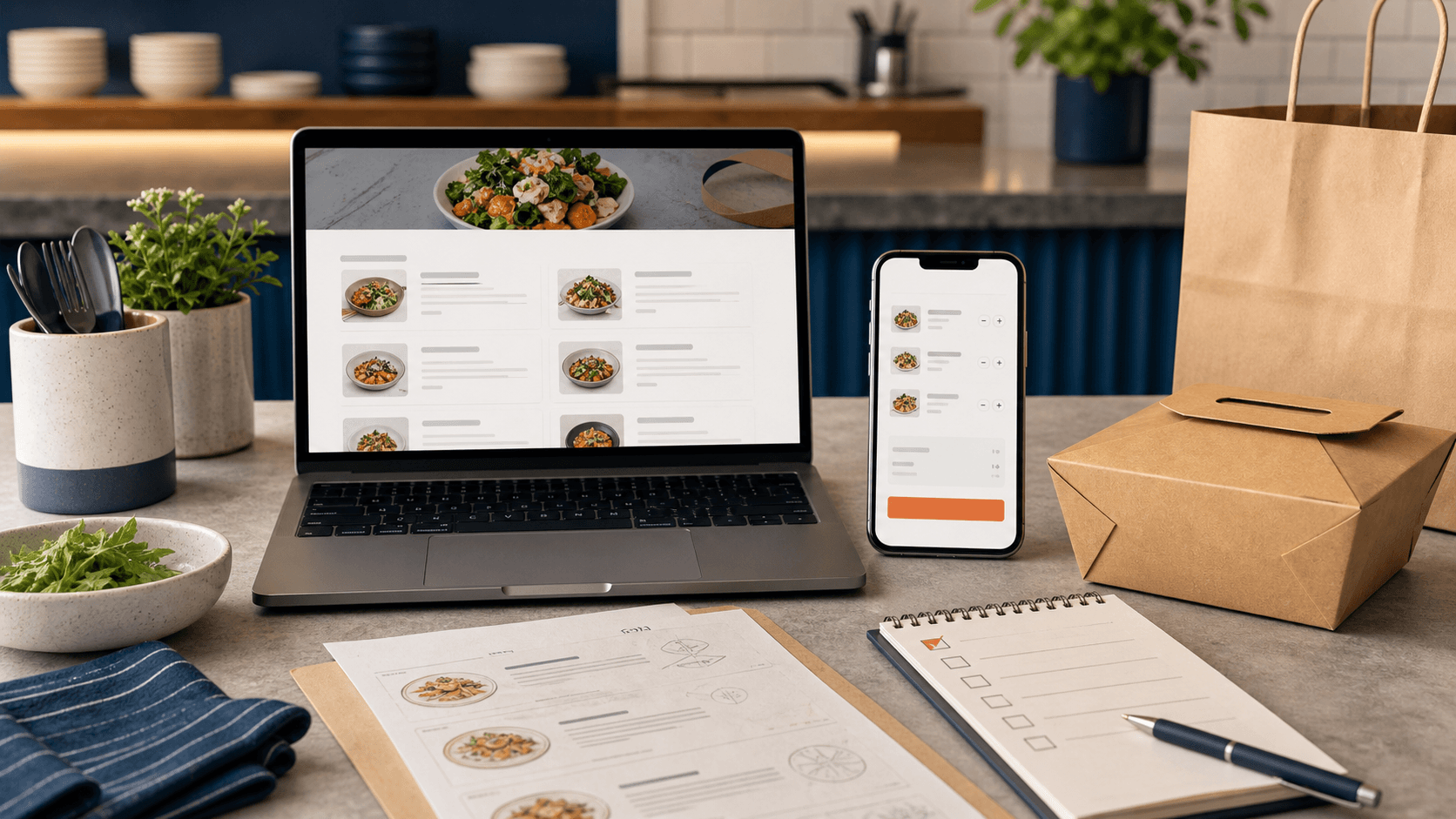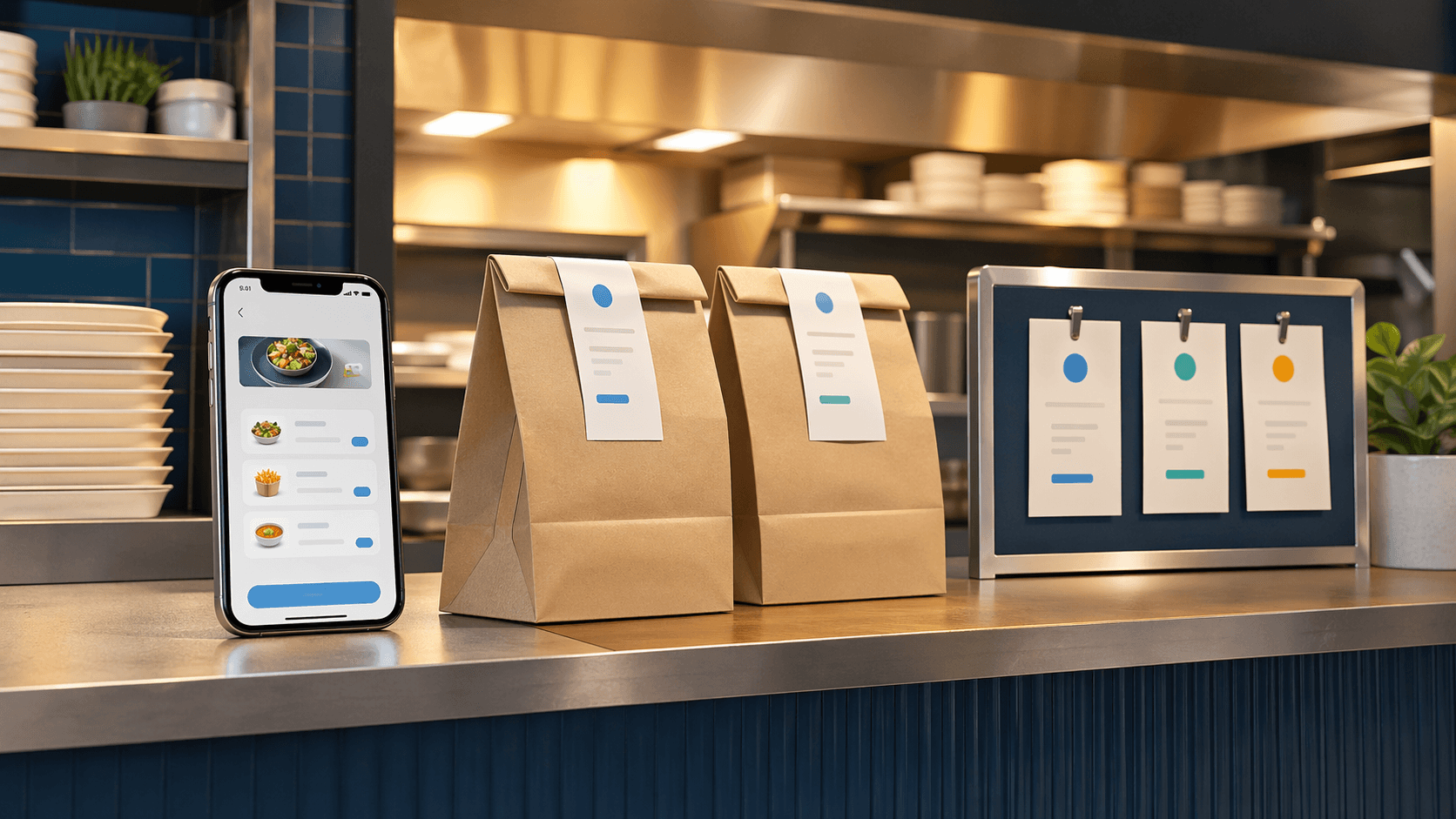
Pickup is the best place to test direct ordering
Delivery gets a lot of attention because it feels like the bigger move. It promises more reach, more convenience, and more ways for customers to order without calling.
But for many restaurants, pickup is the smarter first test.
Pickup keeps the restaurant in control of the food, timing, handoff, and customer expectation. There is no driver routing problem to solve yet. There is no delivery radius to explain. There is no question about whether the order will sit too long in a car.
If pickup ordering is confusing, adding delivery usually makes the confusion louder.
Before a restaurant tries to expand the ordering system, the pickup path should be boring in the best way: easy to find, easy to place, easy to prepare, and easy to hand off.
Start with the actual kitchen rhythm
A pickup system should match how the restaurant really works during a rush.
That means the owner should think through the normal flow before worrying about buttons, colors, or app features:
- how long common orders take to prepare;
- which menu items slow the kitchen down;
- when the team needs to pause or throttle orders;
- who sees a new ticket first;
- where finished orders wait;
- how staff confirm the right customer gets the right bag.
The ordering screen can look polished and still fail if it ignores those details.
For example, a menu item with too many unclear modifiers can create phone calls after the order is already paid. A pickup time that is always set to "as soon as possible" can overwhelm the kitchen on busy nights. A confirmation email that does not explain where to pick up can create a line at the wrong counter.
The goal is not just taking orders online. The goal is taking orders in a way the restaurant can actually fulfill cleanly.
Make pickup timing clear before checkout
Customers usually care about timing before they care about anything else.
If they are ordering lunch between meetings, grabbing dinner on the way home, or feeding a family after practice, they need to know whether pickup is realistic before they build the cart.
A good pickup flow should make these basics obvious:
- whether pickup is available right now;
- the estimated preparation time;
- the earliest pickup window;
- whether scheduled orders are allowed;
- what happens if the kitchen is unusually busy;
- and whether certain menu items are unavailable close to closing.
This does not have to be complicated. Plain language often works better than clever interface copy.
"Pickup available in about 25 minutes" is more useful than a vague order button. "Online ordering is paused while the kitchen catches up" is better than letting customers place orders the team cannot handle well.
The restaurant protects trust by setting the expectation before payment.
Keep the menu smaller than the full menu if needed
Not every dine-in item belongs in the first version of online pickup ordering.
Some dishes travel poorly. Some require staff explanation. Some need substitutions that are easy at the table but messy inside a checkout flow. Some menu sections may be profitable in the dining room but slow the kitchen down when they arrive as a stack of online tickets.
That is fine.
A restaurant can start with the menu items that are easiest to sell, prepare, package, and hand off. The online menu can expand after the team sees what customers actually order and where the friction appears.
This is especially important for local restaurants that are moving from phone orders to direct online orders. A smaller, cleaner pickup menu is usually better than a full menu that creates mistakes.
The question should be: "Can we make this order accurately without a conversation?"
If the answer is no, the item may need better modifiers, better description, or a slower rollout.
Design the handoff like part of the product
The pickup experience does not end when the customer pays.
It ends when the customer gets the right food without awkward guessing.
That means the handoff deserves design too:
- the confirmation page should say where to go;
- the receipt should include the pickup name and order number;
- staff should know how orders are labeled;
- the counter or pickup shelf should make sense from the customer's point of view;
- and there should be a clear backup plan when a customer arrives early, late, or confused.
Those details seem small until the restaurant is busy.
If staff have to ask every pickup customer, "What did you order?" the system is not doing enough work. If customers stand in the dine-in line just to ask where pickup is, the website and confirmation flow are not carrying enough of the experience.
Direct ordering should reduce interruptions, not create a different kind of interruption.
Use pickup data before deciding what delivery needs
Pickup orders teach the restaurant useful things before delivery enters the picture.
They show which items customers are willing to order without a phone call. They reveal common modifier problems. They show when customers want food ready. They expose packaging issues. They help the owner understand whether direct ordering is becoming a habit or just sitting on the website unused.
That information makes delivery decisions better.
If pickup is already smooth, delivery can be planned around real behavior instead of guesses:
- which items should be delivery-eligible;
- which times need limits;
- what the delivery radius should be;
- when the restaurant should subsidize delivery;
- and how to explain fees clearly.
OmNom powers direct online ordering with a fixed $1.25 service fee per order for every restaurant, paid by customers by default. Partnering with Blue Penguin does not increase this fee. Restaurants can choose to cover part of it. Restaurants pay OmNom's processing charge, typically 2.9% + 30¢ per successful US domestic online card payment; rates can vary.
A clear fee explanation helps customers understand the direct ordering option.
The website still has to guide the order
Even if the ordering system is strong, the restaurant website has to route people toward it.
The direct pickup path should be visible from the homepage, menu page, and mobile navigation. Customers should not have to choose between three unlabeled buttons or wonder whether the online order goes through a third-party marketplace.
The site should also answer the questions that affect ordering confidence:
- current hours;
- location and parking notes;
- pickup instructions;
- menu availability;
- phone number for urgent issues;
- and whether delivery, catering, or dine-in use a different path.
That is why restaurant web design and ordering software should be treated as one customer journey. A good ordering system cannot fully fix a website that hides the order button. A good-looking website cannot fully fix an ordering flow that confuses the kitchen.
Blue Penguin can help with both sides: the public website customers see first and the ordering or software layer that handles the actual transaction. For restaurant-specific website structure, the websites for restaurants page is a useful reference point.
A practical first version
A strong first version of pickup ordering does not need to be huge.
It needs to be reliable.
Start with:
- A clear order button on the website.
- A pickup-ready menu with accurate descriptions and modifiers.
- Honest preparation-time expectations.
- A confirmation flow that explains where to go.
- Staff labels or order numbers that make handoff easy.
- A simple way to pause, limit, or adjust ordering when the kitchen is busy.
After that, improve from real order patterns.
If customers keep calling after placing an order, the confirmation or menu needs work. If the kitchen keeps remaking items, modifiers may be unclear. If pickup times keep slipping, the promise needs to change. If customers adopt pickup quickly, delivery may be worth planning next.
That sequence is calmer than trying to launch every channel at once.
Build pickup before expanding the promise
Pickup is not less important than delivery. It is often the foundation that makes delivery possible.
When pickup works, the restaurant has a direct ordering path that customers can trust and staff can manage. When it does not work, delivery adds distance, timing pressure, and more chances for the customer to blame the restaurant for a bad experience.
So the better order is simple:
- Make the website easy to order from.
- Make pickup easy to fulfill.
- Learn from real orders.
- Add delivery only when the restaurant can explain and support it clearly.
Blue Penguin now offers restaurants a free partnership: a custom website, custom domain, hosting, setup, technical support, and funded marketing. We reinvest part of the existing OmNom service fee into online ads and physical mail for the restaurant. More order activity supports more investment over time.
If you want a restaurant website and ordering path that customers can actually use, start with Blue Penguin's free restaurant demo. If you are still checking the public website basics, read a restaurant website checklist for more direct orders.