A portal is not the first thing most businesses need
Many small businesses hear the phrase "customer portal" and picture a giant software project.
Sometimes it is. Often it is not.
The real question is simpler: do your customers keep needing to come back for the same information or the same actions after the first inquiry?
If the answer is no, a strong website and a clean contact flow are usually enough. If the answer is yes, a portal can remove a surprising amount of friction for both the client and the business.
A website still does the first job
For most companies, the public website is still the first digital priority because it handles the broadest set of business needs:
- getting found,
- explaining the offer,
- building trust,
- collecting inquiries,
- and turning new visitors into real leads.
That part should not be skipped.
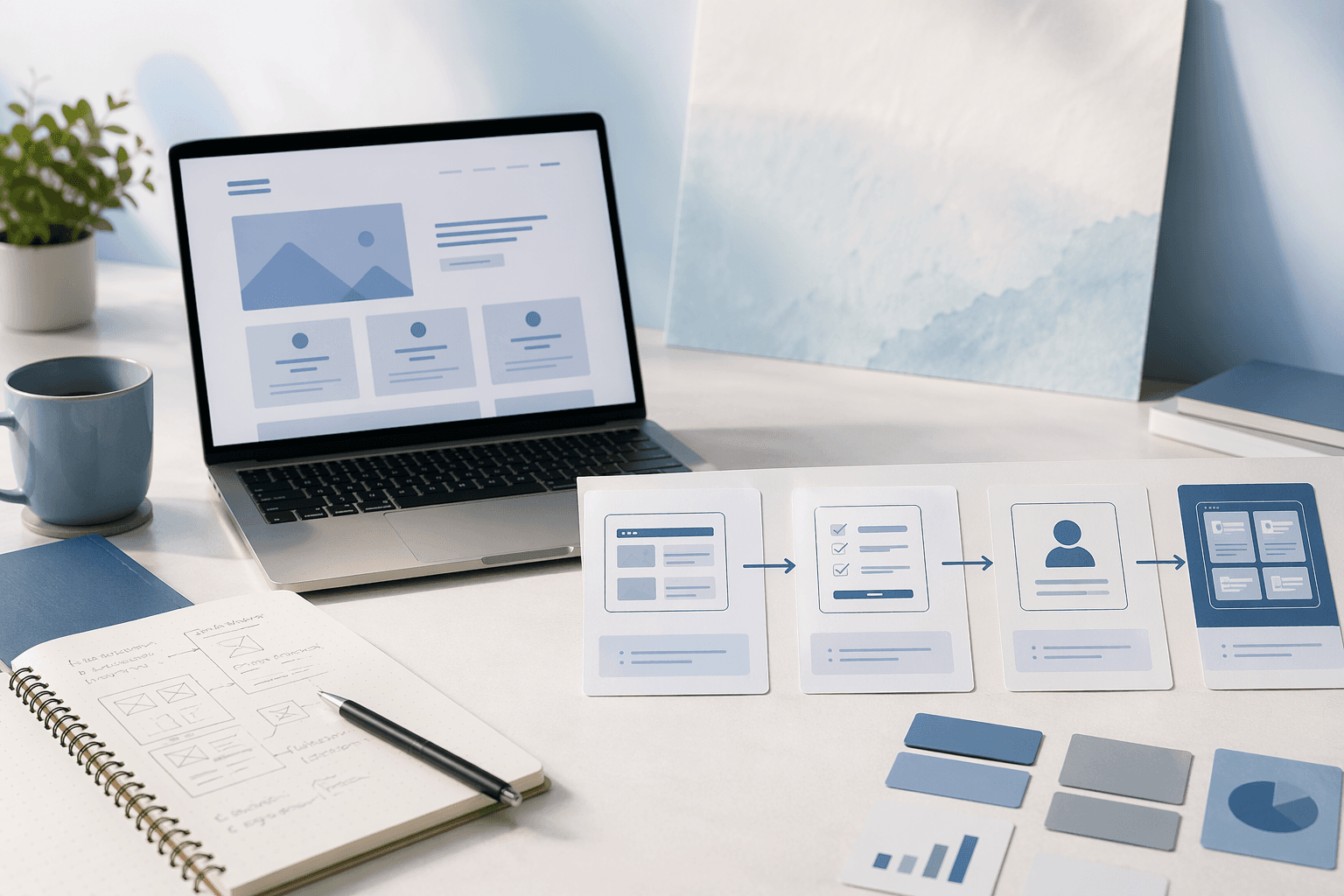
A portal helps with repeat interactions. It does not replace the public-facing job of the site. That is why many businesses should start with a strong website and only add portal logic when the customer relationship keeps extending past the first form submission.
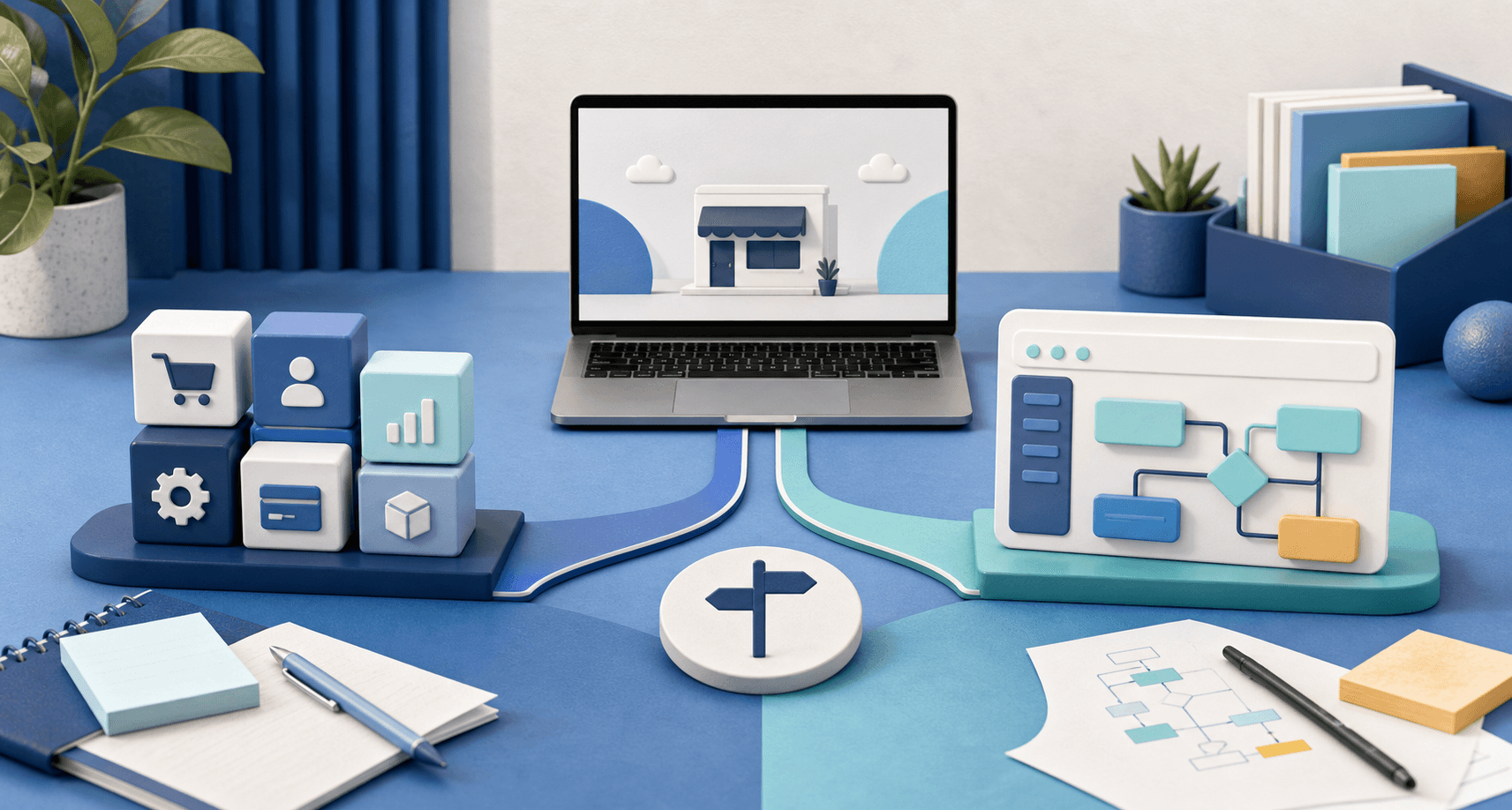
If you are still sorting out that order, read should a small business start with a website or an app.
A customer portal becomes useful when the same person keeps needing updates
The businesses that benefit most from a portal usually have one thing in common: customers do not interact only once.
They come back to:
- check project status,
- upload or download files,
- approve work,
- request revisions,
- review invoices or subscriptions,
- or repeat an order or service step.
When all of that happens through scattered email threads, text messages, and manual callbacks, the experience starts feeling fragile.
That is when a portal stops being a fancy extra and starts becoming process cleanup.
Good portal ideas are narrow and practical
The best customer portals are not built around the vague idea of "digital transformation." They are built around a few repeated jobs that keep causing unnecessary back-and-forth.
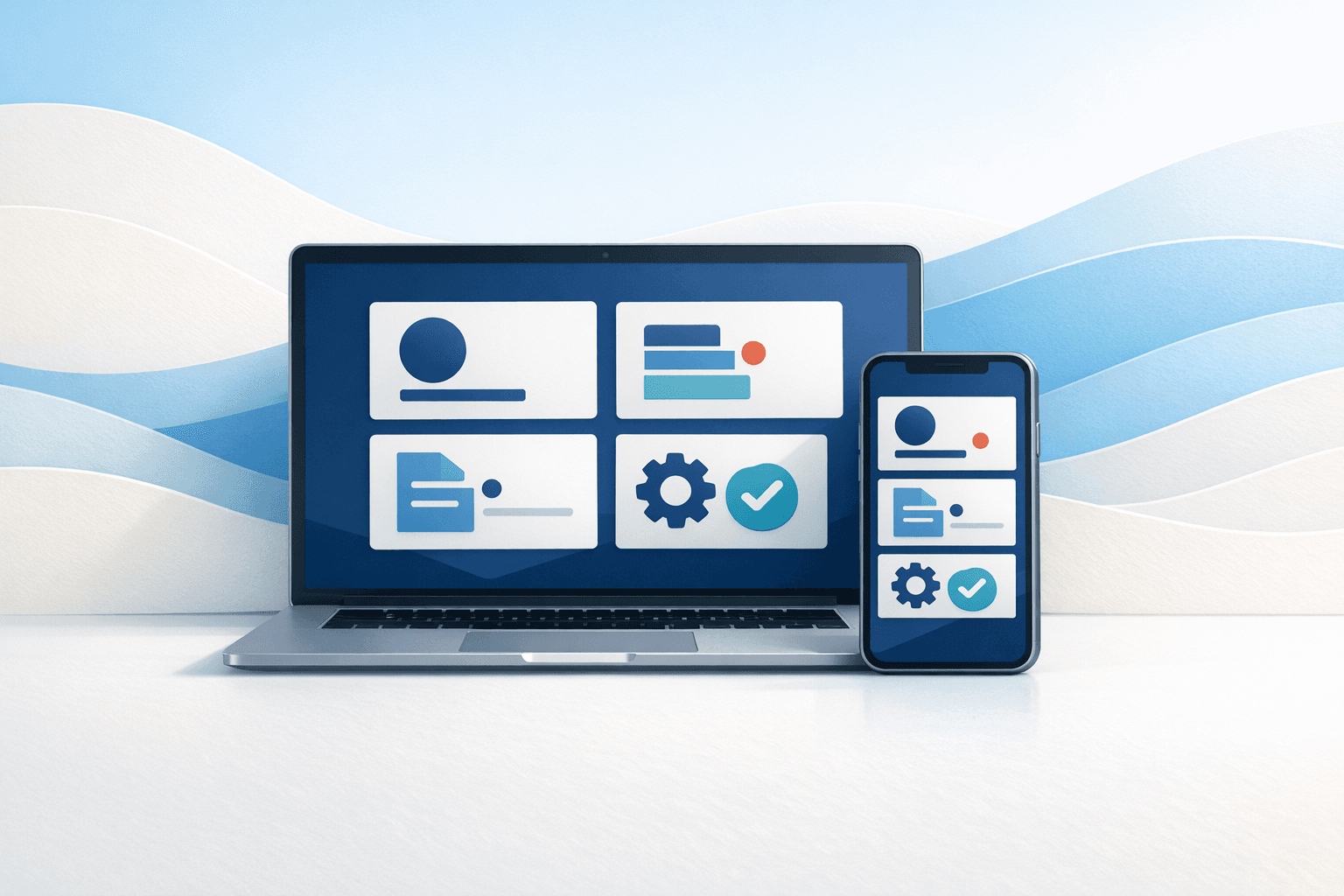
For example, a portal might let customers:
- see where a website or software project stands,
- submit and track change requests,
- review notes or deliverables,
- manage recurring payments,
- or access a simple account dashboard instead of emailing for basic answers.
That is a much healthier starting point than trying to invent an all-in-one platform on day one.
This is also where custom software becomes more valuable than another workaround. If the business keeps recreating the same manual follow-up by hand, software can finally give that workflow a home. If that sounds familiar, read when a business needs custom software, not another spreadsheet.
Signs you probably do need one
You are in strong customer-portal territory if several of these are true:
- Customers regularly ask, "What is the status?" or "What happens next?"
- Important files or approvals get buried in long email chains.
- Staff have to manually translate customer requests into internal work every time.
- Clients need a place to see invoices, subscriptions, or recurring account details.
- The same person comes back often enough that logging in would be easier than starting over.
Notice that none of those reasons have anything to do with looking modern. They are all about reducing repeated confusion.
Signs you should wait
A portal is usually premature when:
- most customers only contact you once,
- the buying process is still not clear on the public website,
- the business is still figuring out its own internal workflow,
- or each client interaction is so custom that there is no repeated path worth productizing yet.
In those cases, adding login screens can create more overhead without solving the real issue.
Sometimes the right answer is still simpler:
- a clearer website,
- a better intake form,
- cleaner service pages,
- or more organized internal handling after the lead comes in.
That is why Blue Penguin does not treat every business problem like it needs an app immediately. Sometimes the fastest win is still a better public site with the technical work handled for you.
The portal should feel like a relief, not another system to learn
If you do build one, the goal is not to impress developers. The goal is to make repeat customer interactions calmer.
A good small-business portal should usually feel:
- obvious to navigate,
- limited to the actions customers actually need,
- connected to the real service workflow,
- and easier than emailing support for routine tasks.
That is especially important for local businesses. Their customers are not trying to learn a new software product. They are trying to finish a task with less hassle.
Why this fits Blue Penguin well
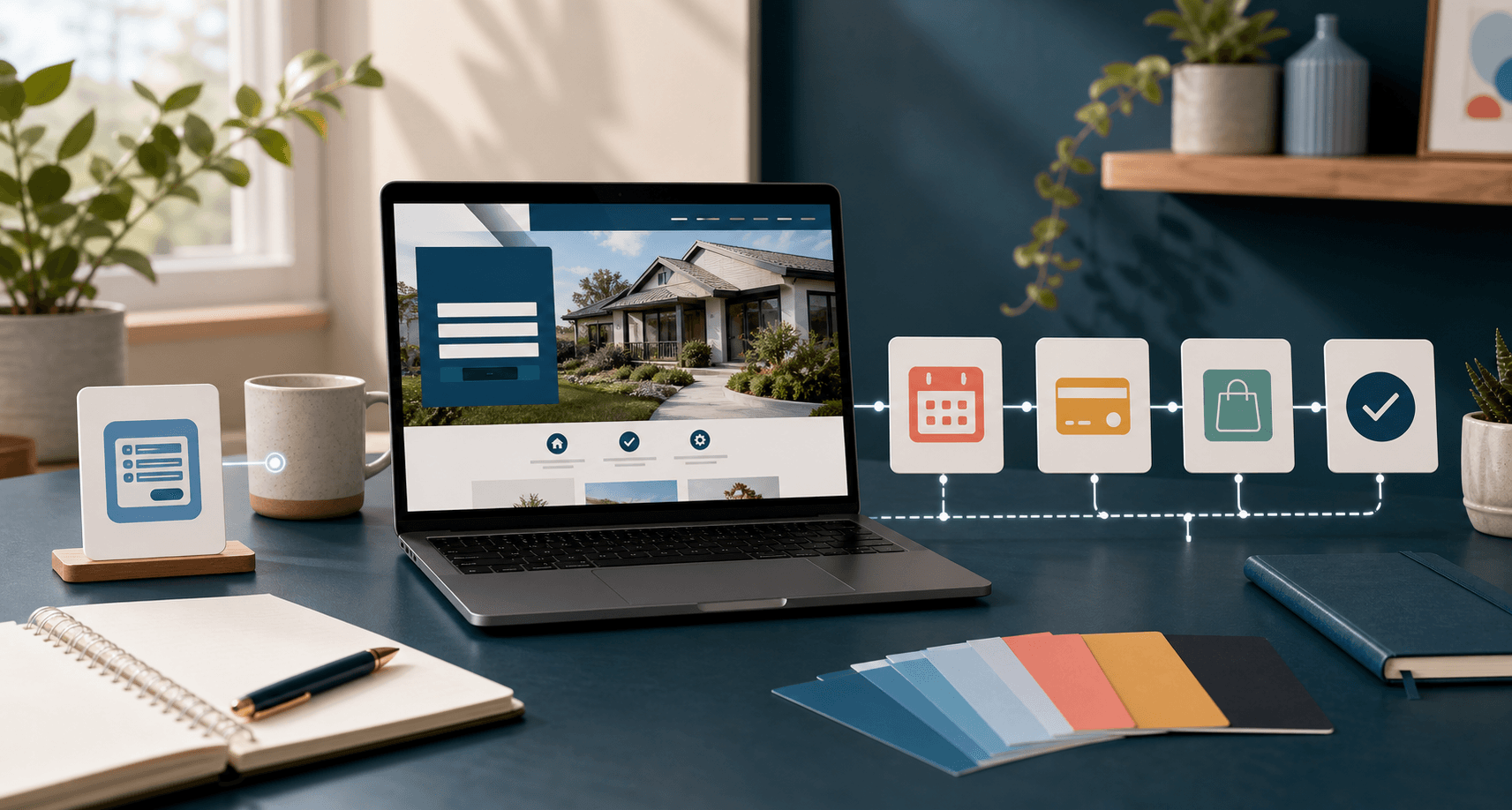
Blue Penguin is a strong fit for portal work because the public website and the deeper software can be handled as one connected system instead of two separate vendor relationships.
That matters when the business journey looks like this:
- Launch the website.
- Start collecting real customer behavior.
- Notice the repeated follow-up or account-management friction.
- Add the portal features that remove that friction.
That is a more practical path than overbuilding too early. It also keeps the business from hiring a website shop now and then restarting the search later when the client experience needs to go deeper.
Start by listing the repeat actions
If you are wondering whether a portal is justified, do not start with feature ideas. Start with repeated behavior.
Write down the three customer actions your team keeps handling manually after the first inquiry. If the same steps keep showing up, that is where a portal may be worth it.
If you still need the website foundation first, start with Blue Penguin's get started flow. If the larger question is still about website versus deeper software, keep reading with should a small business start with a website or an app.