The spreadsheet is not the villain
Spreadsheets are useful because they are fast, flexible, and familiar. For a while, they are often exactly the right tool.
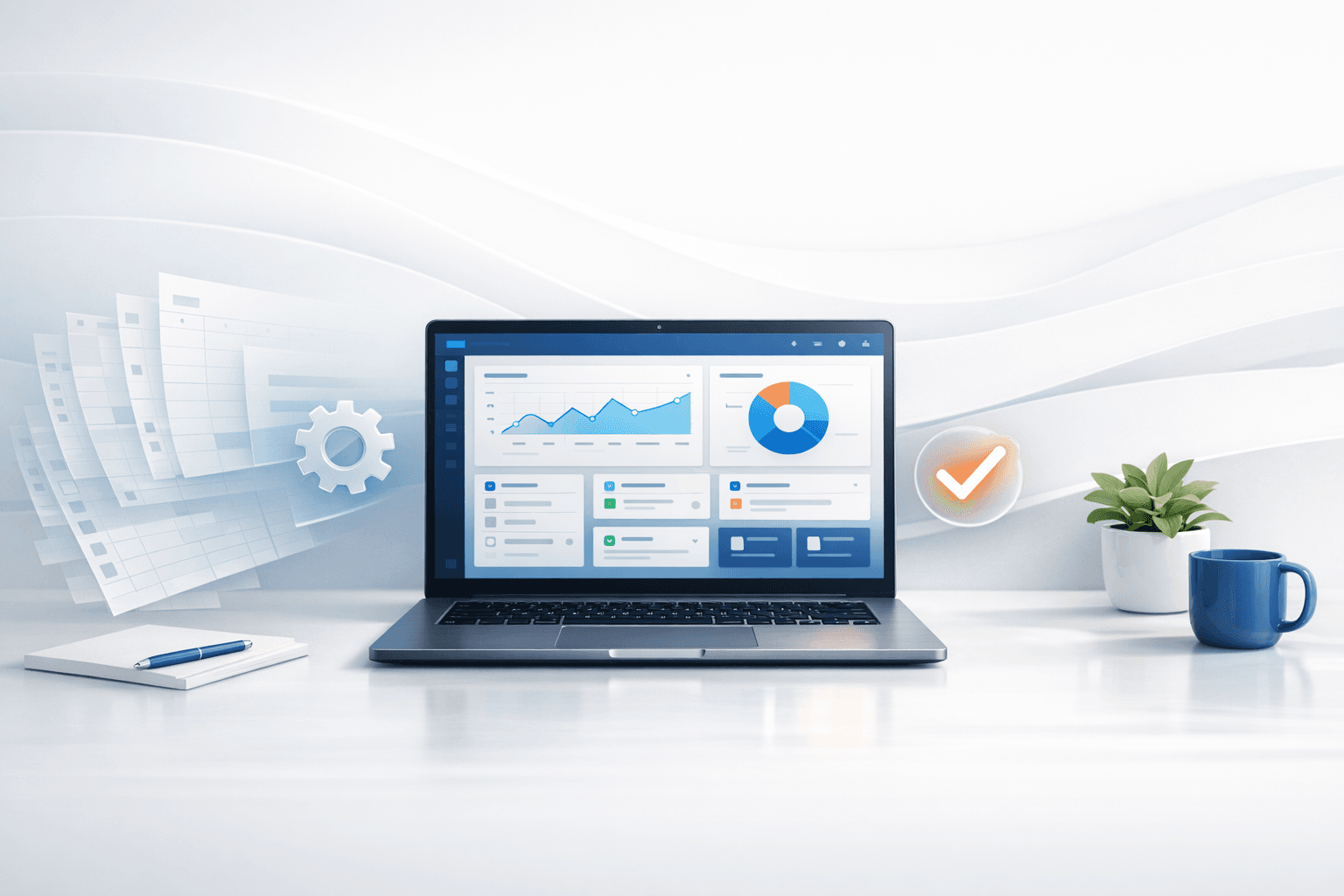
The problem starts when the spreadsheet stops being a planning tool and becomes the operating system of the business.
That is when owners begin saying things like:
- "We have to double-check everything manually."
- "Only one person really knows how this sheet works."
- "We keep missing follow-ups."
- "This should not take this many clicks."
Those are software signals.
A workaround can look cheap while costing a lot
Manual systems hide their cost well because nobody gets an invoice labeled "confusion" or "rework."
Instead, the cost shows up in:
- missed leads,
- delayed responses,
- duplicated data entry,
- status updates that live in text messages,
- and team members building their own side systems just to survive the main one.
When this happens, the real issue is no longer whether the spreadsheet works. The issue is whether the business can keep growing while depending on a process that only works if everybody remembers every step perfectly.
Custom software becomes worth it when the workflow is repeatable
You do not need custom software for every internal irritation. But you should start considering it when the same repeated process keeps breaking in the same repeated way.
Good examples:
- onboarding new customers,
- tracking jobs through stages,
- collecting quote requests and routing them correctly,
- managing approvals,
- handling recurring restaurant or retail order flows,
- or giving customers a cleaner self-serve portal.
At that point, the business is not asking for abstract "innovation." It is asking for fewer failure points.
A mobile app is sometimes part of the answer, not always the first step
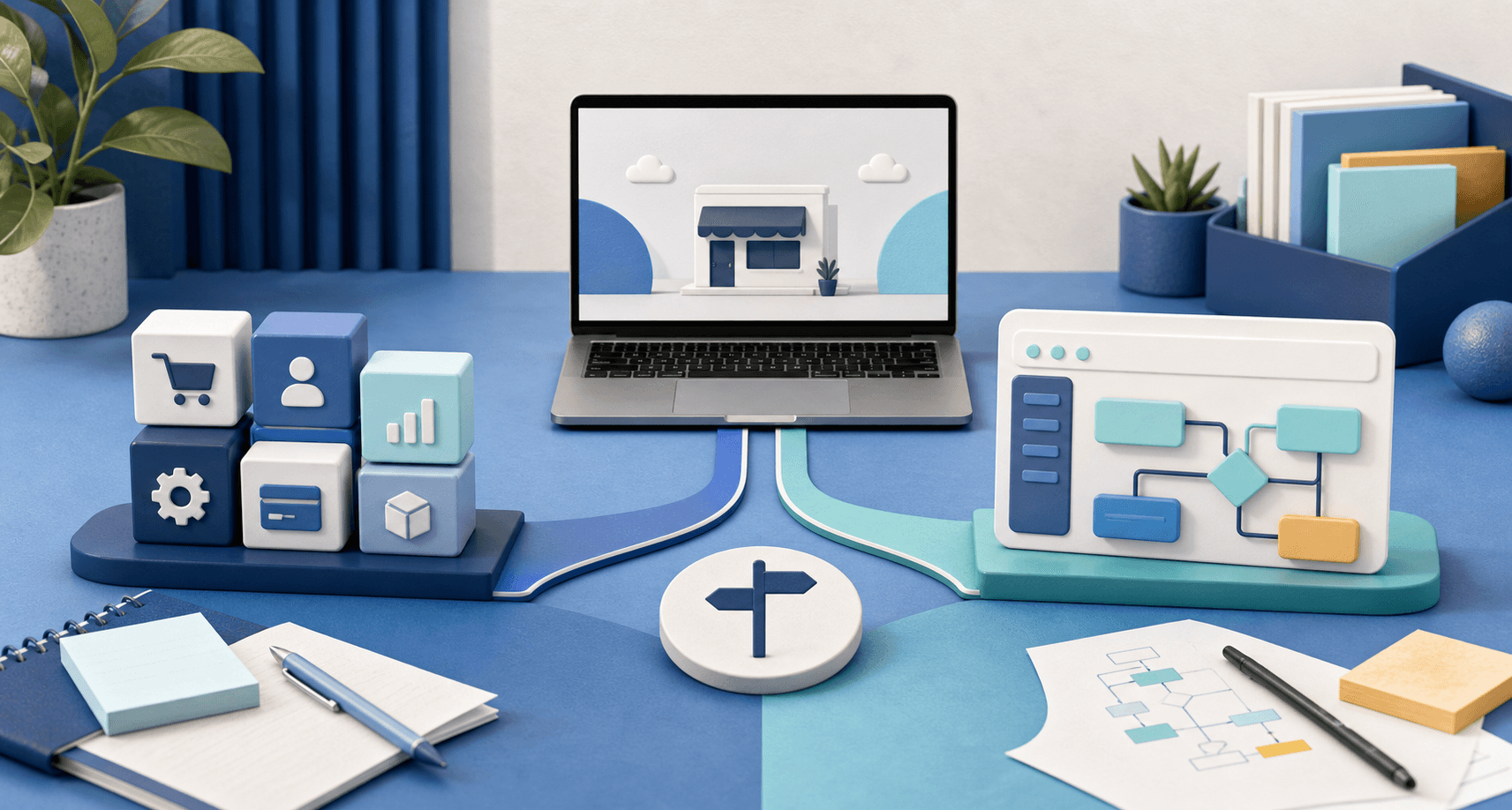
Businesses often jump straight to "Do we need an app?" when the more useful first question is, "What job should the software do?"
Sometimes the right answer is a web-based internal dashboard. Sometimes it is customer-facing software with logins, payments, or notifications. Sometimes it really is a mobile app because staff or customers need a smoother on-the-go experience.
That is one reason Blue Penguin is a better fit than a website-only shop. If the business starts with a website and later needs software or a mobile app, the path can continue without starting the vendor search from scratch.
Signs you have outgrown the manual version
If several of these are true, you are probably in custom software territory:
- Your team copies the same information into multiple tools.
- Work gets lost between inquiry, approval, and fulfillment.
- Customers ask for self-serve actions your current process cannot support.
- You rely on one key employee to remember where everything lives.
- Reporting takes more manual cleanup than the actual work.
At that point, software is not a luxury add-on. It is process repair.
The right software should simplify the business, not impress other developers
This is where many software projects go wrong. They are scoped like product launches when the actual need is operational clarity.
For a small or growing business, the best custom system is often the one that:
- removes repetitive admin work,
- makes status easy to see,
- reduces missed steps,
- and is simple enough that the team actually uses it.
It does not need to look complicated to be valuable.
Blue Penguin's role
Blue Penguin is positioned unusually well here because the same team can handle the public-facing website and the deeper system behind it. That matters when your leads, orders, bookings, or customer requests need to move cleanly from the site into a real workflow.
A lot of agencies can make the front-end look polished. Far fewer can keep going when the client says, "This looks good, but now we need a dashboard, automations, or a mobile experience too."
Blue Penguin can.
Start with the bottleneck, not the buzzword
If you are thinking about software, write down the exact process that feels fragile today. Where is information getting stuck? Where are people doing the same manual step again and again? Where are customers waiting longer than they should?
That is the real scoping document.
If you want to start with a simpler foundation first, begin with a website that can grow into the next phase. If you are still deciding what should come first, read should a small business start with a website or an app.