Automation should begin where the business keeps repeating itself
Small business owners usually do not wake up wanting "automation" in the abstract.
They want fewer missed calls, cleaner quote requests, less copy-and-paste work, faster follow-up, simpler ordering, or a better way for staff to know what happens next.
That distinction matters.
A website can automate many things: forms, bookings, payments, customer updates, restaurant orders, staff notifications, reminders, file uploads, approval steps, and internal dashboards. But the first thing to automate should not be chosen because it sounds advanced. It should be chosen because the business already repeats that handoff often enough for the manual version to hurt.
The useful question is not, "What can the website automate?"
The useful question is, "Which repeated step keeps costing time after the visitor takes action?"
Start with the handoff after the first click
Most automation opportunities show up immediately after a customer clicks the main call to action.
Someone requests a quote. Someone books a service. Someone asks about catering. Someone wants to pay. Someone places an order. Someone uploads photos. Someone needs a status update.
If the website creates the first action but the team has to finish everything manually, that first handoff is worth studying.
Look for moments like these:
- form submissions that require the same follow-up questions every time;
- bookings that still need manual confirmation;
- quote requests that arrive without enough detail;
- restaurant orders that turn into phone calls;
- payments that have to be matched to a customer by hand;
- staff copying the same information into a spreadsheet, calendar, or job board;
- customers emailing for updates the business already knows.
The first automation should usually live inside one of those handoffs.
That is why a basic contact form can be enough for some businesses and too weak for others. If the form only needs to send a clear message, keep it simple. If it keeps creating repeated admin work, the website may need a smarter intake path. The difference is covered more deeply in when a contact form is not enough for a small business website.
Automate rules before judgment
Good automation handles repeated rules. It should not pretend to replace every human decision.
Rules are things the business already knows how to handle:
- route emergency requests differently from normal requests;
- ask for photos before quoting certain jobs;
- collect pickup time before a restaurant order is accepted;
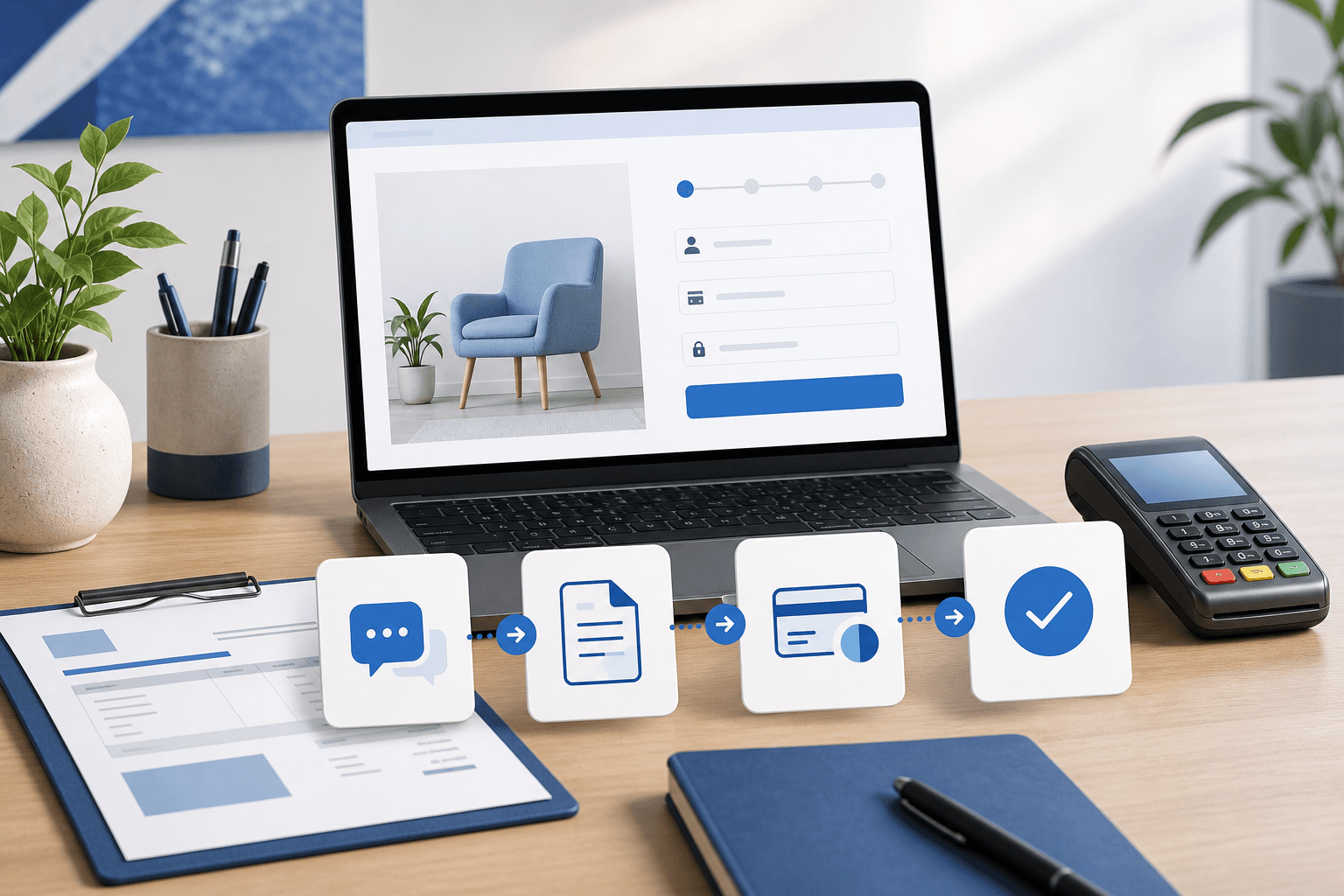
- send a payment link after a package is selected;
- mark a lead as ready for follow-up after the right details arrive;
- notify a staff member when a request matches their area;
- show a customer a known status instead of making them ask by email.
Judgment is different. A custom estimate, a sensitive support issue, a complex project scope, or a messy exception may still need a person.
That is not a failure. The best first automation often makes the human decision easier by collecting the right details, labeling the request clearly, and showing the team what should happen next.
For many service businesses, this means the website should not jump straight from a vague form to a fully custom app. It may only need a more structured intake flow first. For restaurants, it may mean turning repeat pickup orders into a cleaner ordering path before adding delivery complexity. For software-heavy businesses, it may mean building the dashboard around the stage that keeps getting lost.
Choose the automation that protects revenue or trust
Some manual work is annoying but harmless. Some manual work quietly costs money.
Prioritize automation when the repeated step affects revenue, trust, or response time.
A good first automation candidate usually has at least one of these traits:
- a qualified lead can go cold if nobody responds quickly;
- a customer cannot finish paying without staff help;
- an order can be made wrong because options were unclear;
- staff waste time re-entering the same details;
- customers lose confidence because they do not know what happens next;
- one person has to remember too many status updates;
- the business keeps apologizing for the same delay.
Those are stronger signals than "it would be nice if the site did this."
For example, taking payment online may be worth it when the offer is repeatable and the team already knows what happens after payment. But if payment creates fulfillment confusion, the business should plan the workflow behind the payment first. When your small business website should take payments online explains that tradeoff.
The same logic applies to ordering, scheduling, portals, and mobile apps. Automate where the customer is ready to move forward and the business is ready to handle the next step cleanly.
Keep the first version narrow
The first automation does not need to become a giant system.
In fact, it usually should not.
The first version might be as small as:
- a better quote form that changes questions by service type;
- a booking path that collects the details staff always need;
- a payment step for a defined package;
- an order flow for pickup before delivery;
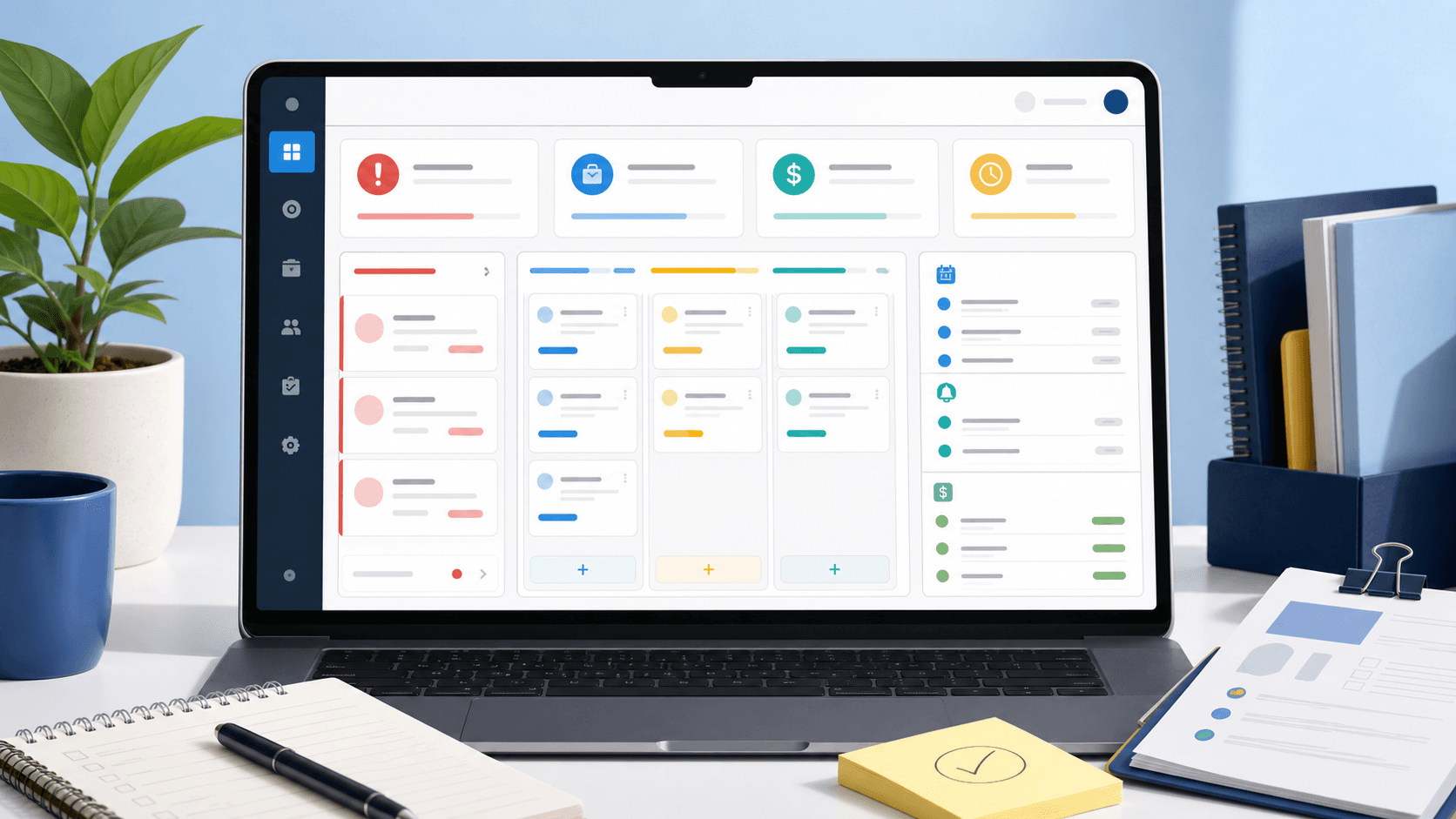
- a lead board with clear stages;
- a customer upload step before an estimate;
- a staff notification that includes the right context.
The goal is to remove one repeated failure point.
That makes the project easier to scope and easier to judge after launch. If the automation works, the team should feel the difference quickly: fewer back-and-forth messages, less copying, clearer ownership, faster response, or fewer confused customers.
If the first version tries to automate every possible edge case, the project can become expensive before the business has learned enough from real usage. A narrow automation gives the business a cleaner foundation and a better next decision.
Know when automation has become custom software
Some website automation stays simple. Some of it becomes software.
The line usually appears when the website needs to remember state, apply rules, show different information to different people, or connect multiple steps after the first customer action.
You may be moving beyond a standard website if the project needs:
- customer accounts;
- staff dashboards;
- order statuses;
- approval workflows;
- recurring payments or subscriptions;
- different roles for owners, staff, and customers;
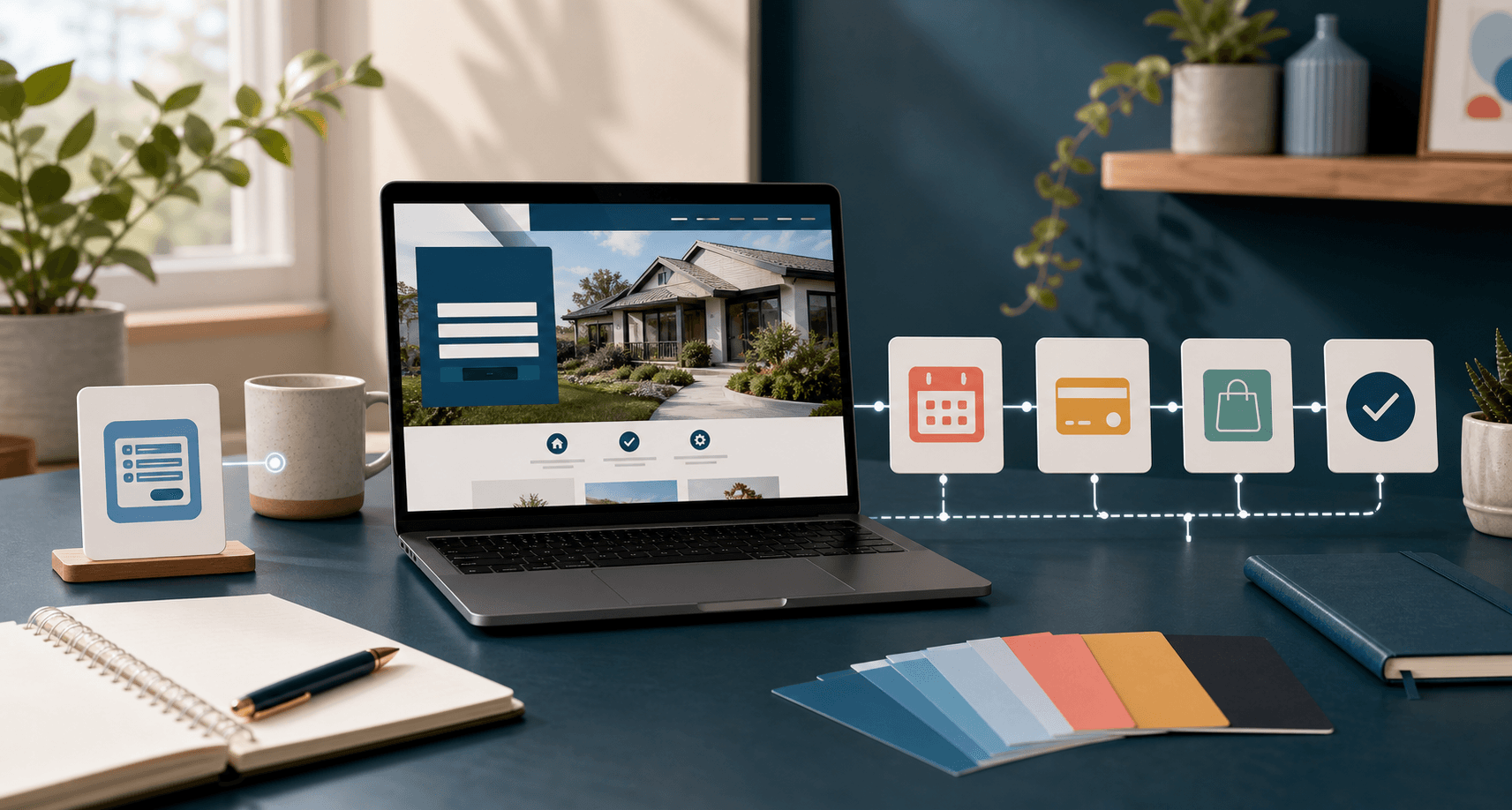
- integrations between forms, calendars, payments, email, and internal tools;
- mobile workflows for people in the field.
That does not mean the idea is too big. It means the budget and scope should be honest.
Blue Penguin's standard website offer is straightforward: $200 to launch, $30/year after that, a three-month satisfaction guarantee, and no contracts. That works well for public pages, hosting, domain setup, maintenance, and everyday website needs. When the scope grows into deeper custom software, mobile apps, restaurant ordering, portals, payments, or more complex workflow, pricing can still be negotiated around the real job.
That honesty helps the business avoid two common mistakes: underbuilding a workflow that really needs software, or overbuilding an app when a better website handoff would solve the problem.
A simple decision framework
Before choosing the first automation, walk through this sequence:
- Write down the action customers take most often on the website.
- List what staff currently do after that action.
- Circle the repeated step that causes delays, mistakes, or missed revenue.
- Decide whether that step follows clear rules or needs human judgment.
- Automate the rule-based part and keep the judgment visible for the team.
- Launch the narrow version before adding a portal, app, or dashboard around it.
This keeps the website connected to how the business actually works.
It also makes automation less intimidating. You are not trying to digitize the whole company at once. You are choosing the first repeated handoff that deserves a better system.
Where Blue Penguin fits
Blue Penguin is useful here because the work can start with the public website and continue into deeper workflow when the business needs it.
That matters for local businesses because the first automation often sits right between marketing and operations. A visitor finds a page, takes action, and then the business has to respond, quote, schedule, order, collect payment, or update status. The website and the internal process are not separate in the customer's mind.
If your current site is still weak, start with the website foundation. If your site already brings in real requests but the handoff keeps breaking, start mapping the first automation.
For service examples, pages like Websites for Electricians show the kind of public clarity a local business should have before deeper workflow gets layered in. For the next step, use Blue Penguin's get started flow and describe the repeated handoff that keeps slowing the business down.
The best first automation is rarely the flashiest feature. It is the one that makes the next real customer action easier to handle.