The lead is not finished when the form is submitted
A small business website has one very important job: create useful next steps.
For many local businesses, that means a visitor requests a quote, asks a question, books a call, starts an order, or sends enough detail for the team to respond. The website has done something valuable at that point. It has turned anonymous attention into a real opportunity.
But the work is not finished.
If the lead lands in one shared inbox with no owner, no status, no reminder, and no clear next action, the business can still lose the opportunity after the website did its part. That is frustrating because the problem no longer looks like a website problem. It looks like a team problem, a spreadsheet problem, or a "did anyone answer that person?" problem.
This is where a simple follow-up system matters.
Not every business needs a full CRM on day one. Not every lead needs custom software behind it. But every serious website lead should have a place to go after submission.
Start with the stages your team actually uses
The best lead system does not start with software features. It starts with the way the business already thinks.
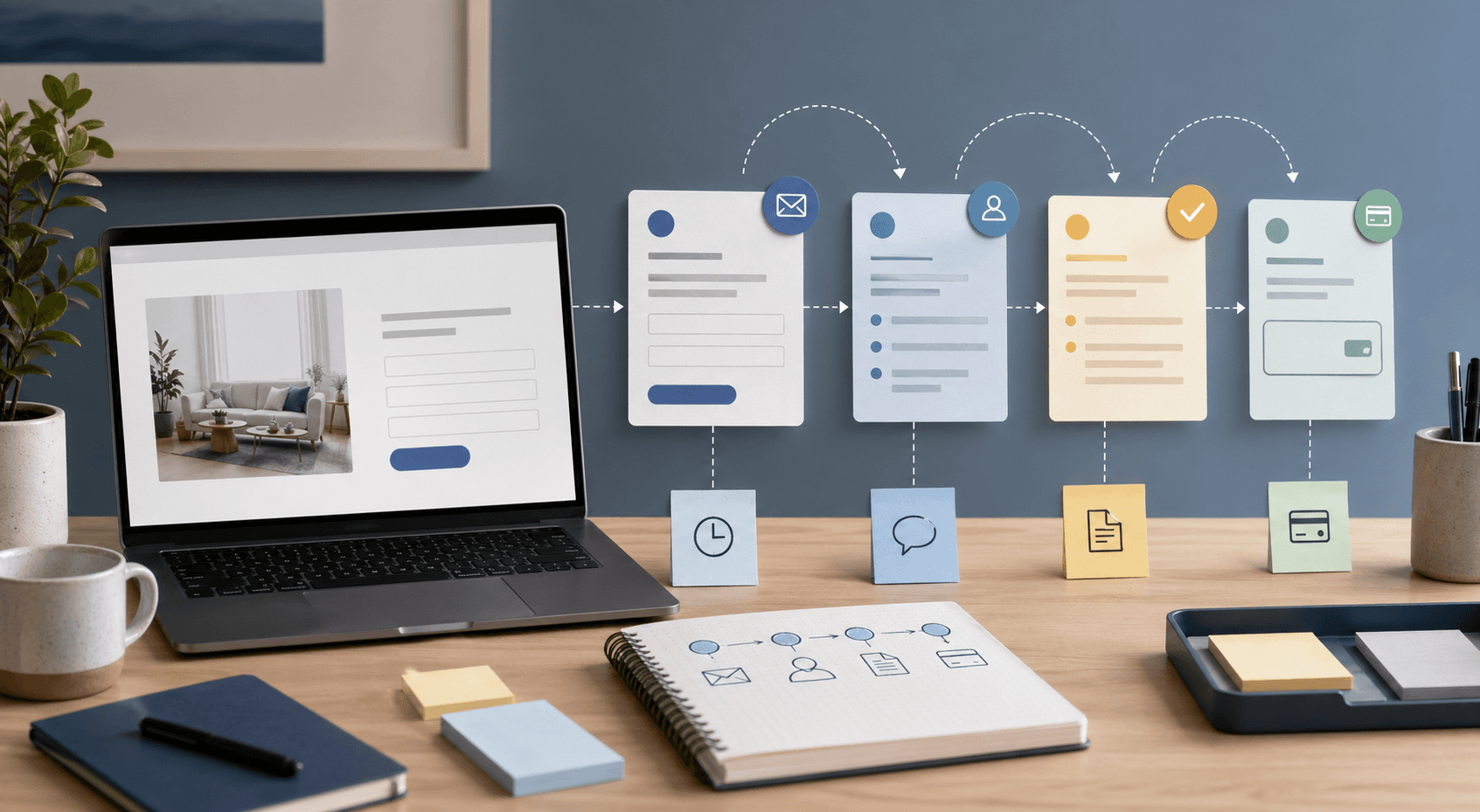
Most small businesses can begin with a few plain stages:
- new inquiry;
- needs response;
- waiting on customer;
- quote sent;
- won;
- lost or not a fit.
Those stages are not fancy, but they solve a real problem. They make the status visible.
Without stages, the team has to remember everything. Someone has to know which lead needs a call, which one already received a quote, which one is waiting on photos, and which one is ready for payment. That may work when the business gets a few inquiries a month. It gets fragile when leads come from the website, phone, social messages, referrals, and direct email at the same time.
A simple board, spreadsheet, or dashboard can be enough at first. The goal is not to make the business feel corporate. The goal is to keep good opportunities from becoming loose notes.
Assign ownership before you automate anything
The first operational question is simple:
Who owns the next response?
If nobody owns the lead, automation will not fix the process. It may only send faster notifications about work that is still unclear.
A better follow-up process should make ownership obvious. A new quote request might go to the owner. A scheduling question might go to the front desk. A restaurant catering lead might go to the manager instead of the person watching normal takeout orders. A software or app inquiry might need a discovery conversation before pricing makes sense.
This is especially important when the website has more than one path. A generic contact message, a quote request, a booking inquiry, and a payment-ready customer should not all feel the same once they enter the business.
The website can help by collecting the right category, page source, service type, location, timing, or order detail. But the follow-up system should make the next owner clear.
That is the difference between "we got a lead" and "Taylor needs to call this lead by tomorrow morning."
Track the next action, not just the contact details
Many lead lists fail because they only store names, emails, phone numbers, and messages.
That information matters, but it does not answer the most useful question:
What should happen next?
For a service business, the next action might be:
- call the customer;
- ask for photos;
- confirm the service address;
- schedule an estimate;
- send a quote;
- collect a deposit;
- or mark the lead as not a fit.
For a restaurant, it might be:
- confirm catering date and headcount;
- ask about pickup or delivery timing;
- separate a private event inquiry from a normal order question;
- or move the customer into a direct ordering path.
For a business selling custom software, mobile apps, or more involved website work, the next action may be a scoped conversation instead of an instant quote.
This is where a simple system can outperform a messy inbox. The lead record should show the next action, the due date if there is one, and any context the team needs before responding.
Use notes for context, not clutter
Notes are useful when they preserve context that would otherwise live in someone's memory.
A good note might say:
- "Customer prefers text after 4 p.m."
- "Needs a quote for two locations."
- "Asked about financing before committing."
- "Waiting on menu photos before catering quote."
- "Interested, but wants to start next month."
A bad note is just a copy of the entire email thread with no decision attached.
The point of lead notes is to help the next person understand the conversation quickly. If the owner, manager, or salesperson has to reread every message from the beginning, the system is not saving much time.
Short notes also make handoffs safer. If one person starts the conversation and another person finishes it, the lead should not depend on a private memory, a personal inbox, or a text thread nobody else can see.
Know when the website should feed the system directly
At the simplest stage, a form submission can send an email and someone can manually add the lead to a board.
That may be perfectly fine.
The system should get more connected when manual copying becomes the bottleneck. If the team keeps moving the same details from the website into a spreadsheet, then into a quote doc, then into a payment link, the workflow is asking for mistakes.
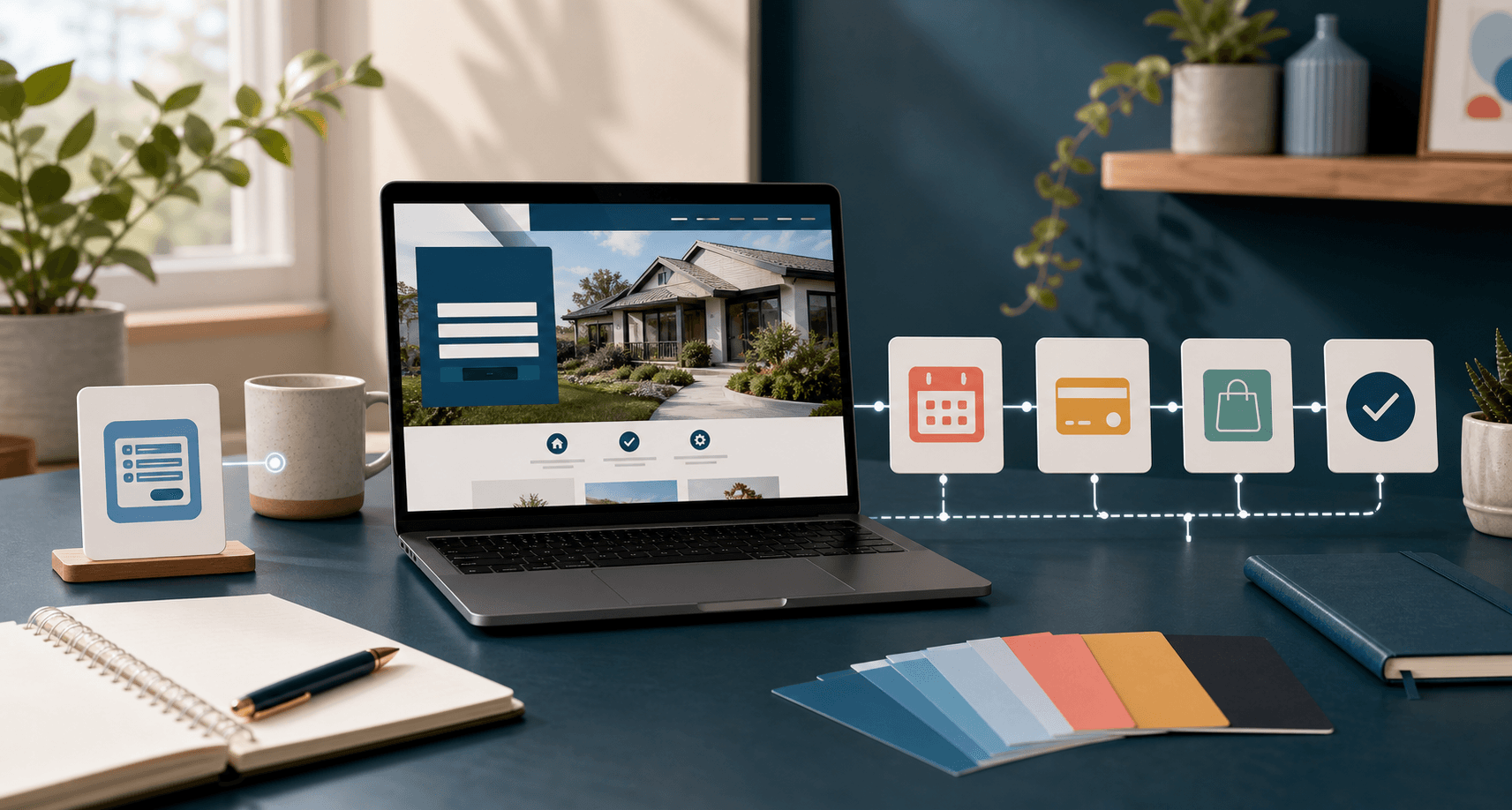
That is when the website can start feeding the follow-up system directly. A quote form can create a lead record. A restaurant catering form can create a different type of inquiry than a normal contact form. A payment-ready customer can move into a different stage than someone who is still comparing options.
This is the same general boundary behind when a contact form is not enough for a small business website. The form itself may still look simple, but the handoff behind it becomes more structured.
Add payments only when the lead is ready for that step
Payment links are useful when the customer has enough clarity to buy.
They are not a replacement for qualification.
Some leads need a conversation first. Some need scope. Some need a quote. Some need to confirm a delivery area, appointment time, menu size, service category, or project phase. Pushing everyone toward payment too early can create confusion and refunds instead of momentum.
A good follow-up system should separate payment readiness from general interest.
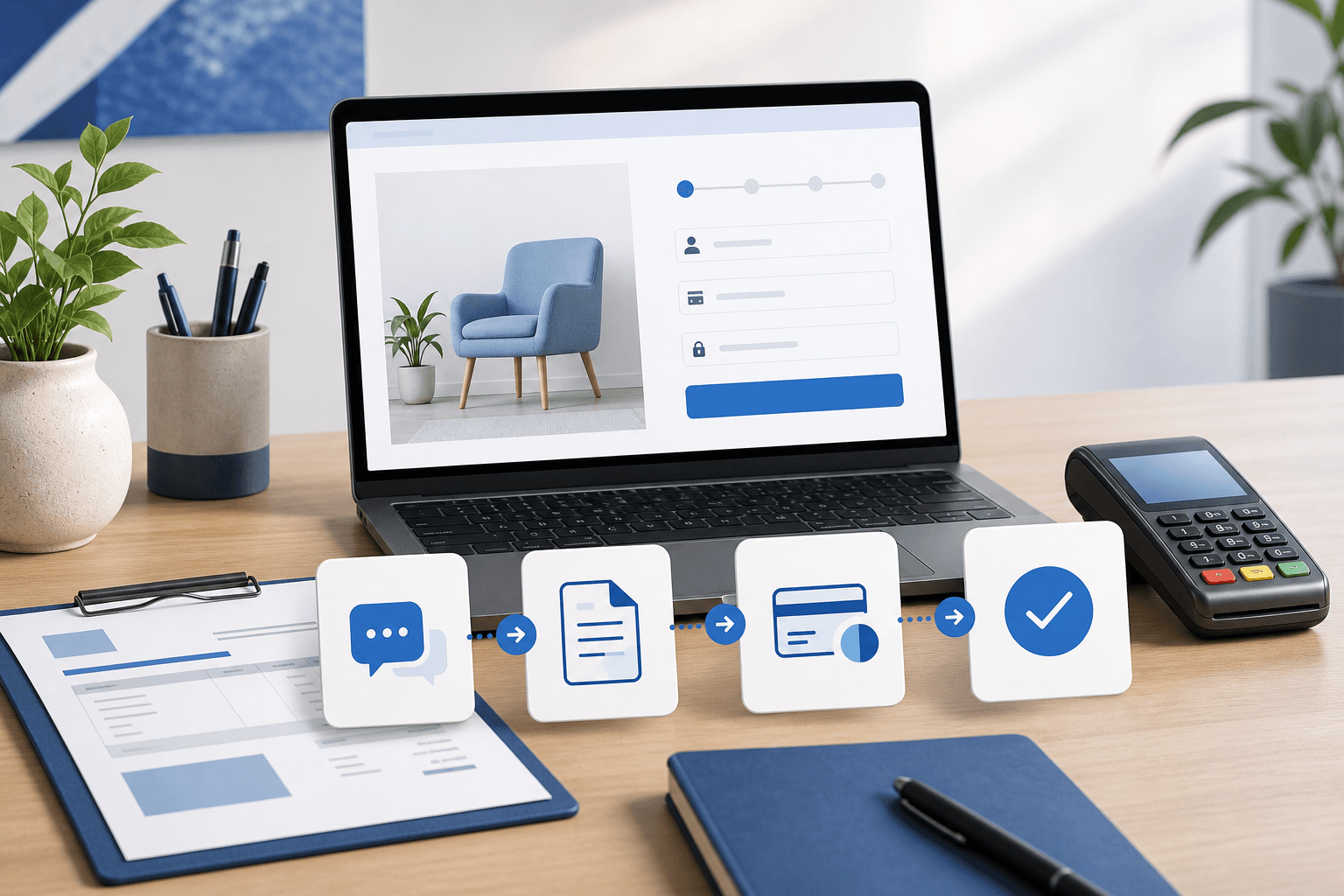
That can be as simple as a stage called "quote sent" or "ready for payment." It can also become more connected over time: a checkout session, subscription setup, customer portal, or internal admin step that records what happened after payment.
The important thing is that the team knows where the lead is in the buying process. A person who asked one question is not the same as a person who approved a quote and only needs the payment step.
Restaurants need separate paths for ordering and conversation
Restaurants show why lead follow-up cannot be one-size-fits-all.
A normal online order should not become a sales lead. It should move through an ordering system with menu items, timing, pickup or delivery details, and payment.
A catering inquiry is different. It may need date, headcount, location, budget, menu preferences, and follow-up from a human.
A private event request is different again.
If all of those paths land in the same inbox, the restaurant has to sort them by hand every day. That creates delays and makes direct ordering feel less reliable.
For restaurants, the public website and the ordering system should work together. Blue Penguin can help with the website, discovery, and lead paths. OmNom is built for direct restaurant ordering when the business needs zero-commission ordering software and a clearer operational flow behind the menu.
When this becomes custom software
A simple follow-up process can live in a spreadsheet, a shared board, or an off-the-shelf CRM.
Custom software starts making sense when the business has rules that generic tools keep fighting:
- leads need different workflows based on service type;
- staff need assigned views or permissions;
- customers need status updates;
- payment and subscription steps need to connect to the lead record;
- restaurant ordering, delivery, or pickup rules shape the flow;
- or the business needs a lightweight portal instead of another disconnected tool.
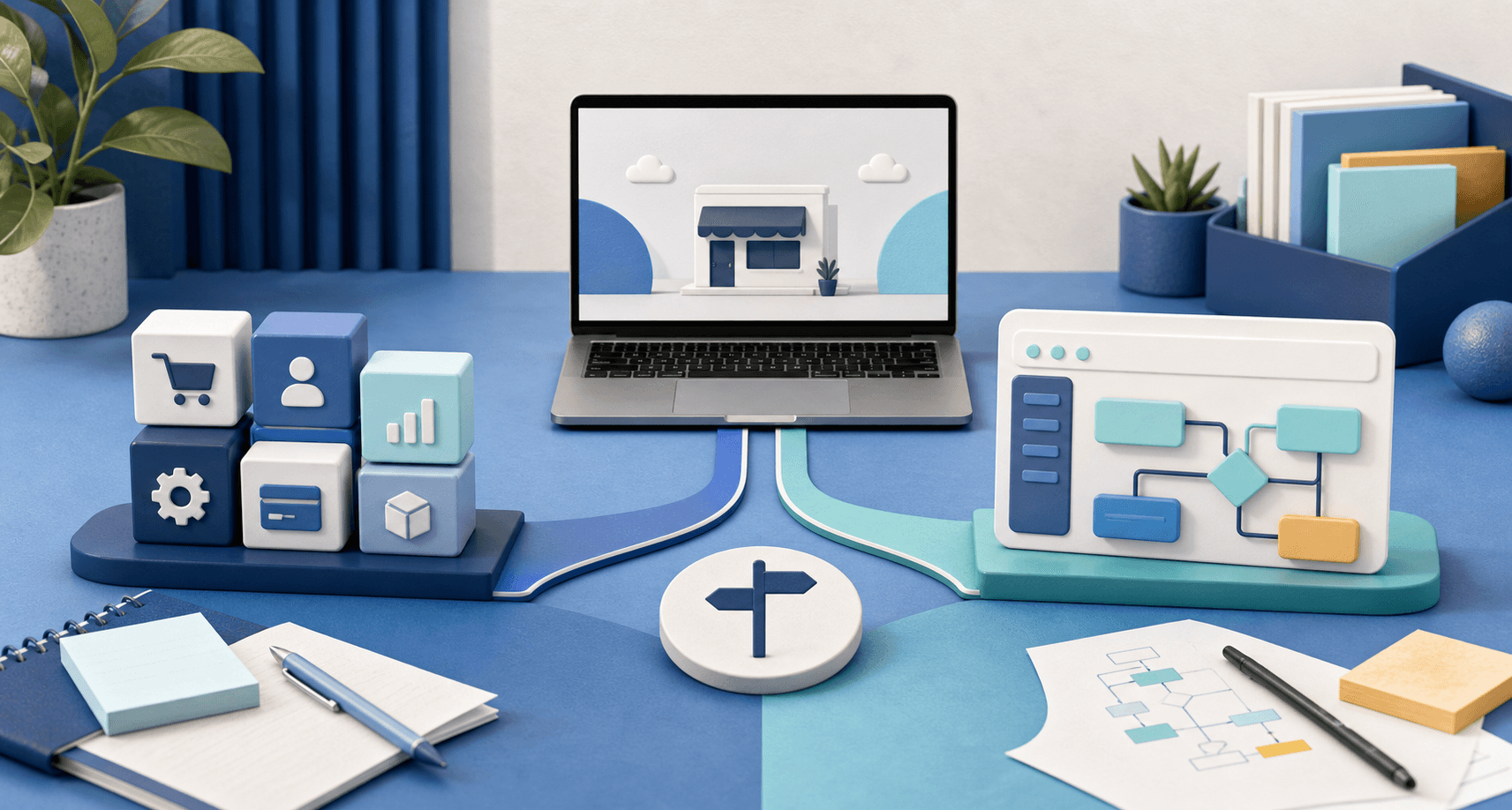
The mistake is jumping straight to custom software before the business understands the process. The better move is to define the stages, ownership, next actions, and notes first. Then the software can support the workflow instead of inventing one.
If the process is still changing every week, keep it simple. If the same follow-up pattern keeps repeating, building a better system may be worth it.
Where Blue Penguin fits
Blue Penguin is a good fit when the website and the follow-up process need to be planned together.
The standard website offer can handle the public side: pages, calls to action, hosting, domain setup, maintenance, and the first handoff. The current pricing is straightforward: $200 to launch, $30/year after that, a three-month satisfaction guarantee, and no contracts. Pricing can still be negotiated when the scope moves beyond a standard website into deeper software, app, portal, or ordering work.
That matters because many small businesses do not need a huge system immediately. They need a clear website, a cleaner lead path, and a practical way to stop losing track of conversations.
If you want help building that foundation, start with Blue Penguin's get started flow. If you are still deciding whether the workflow belongs in the website or a deeper product, read how to plan a small business website that can grow into software.