The build goes faster when the business is ready
A good website project does not start with colors.
It starts with the facts the business already knows but has never organized in one place: what services matter most, where customers come from, what questions people ask before buying, which photos show the work clearly, and what should happen after someone reaches out.
When those details are missing, the project gets slower. The designer has to guess. The copy gets vague. The homepage sounds like any other local business in the area. The service pages become thin. The contact form asks too little or too much. The owner spends the whole project reacting to drafts instead of making decisions.
The answer is not a giant brand workshop. Most local businesses do not need that.
They need a practical pile of business inputs before the website build starts.
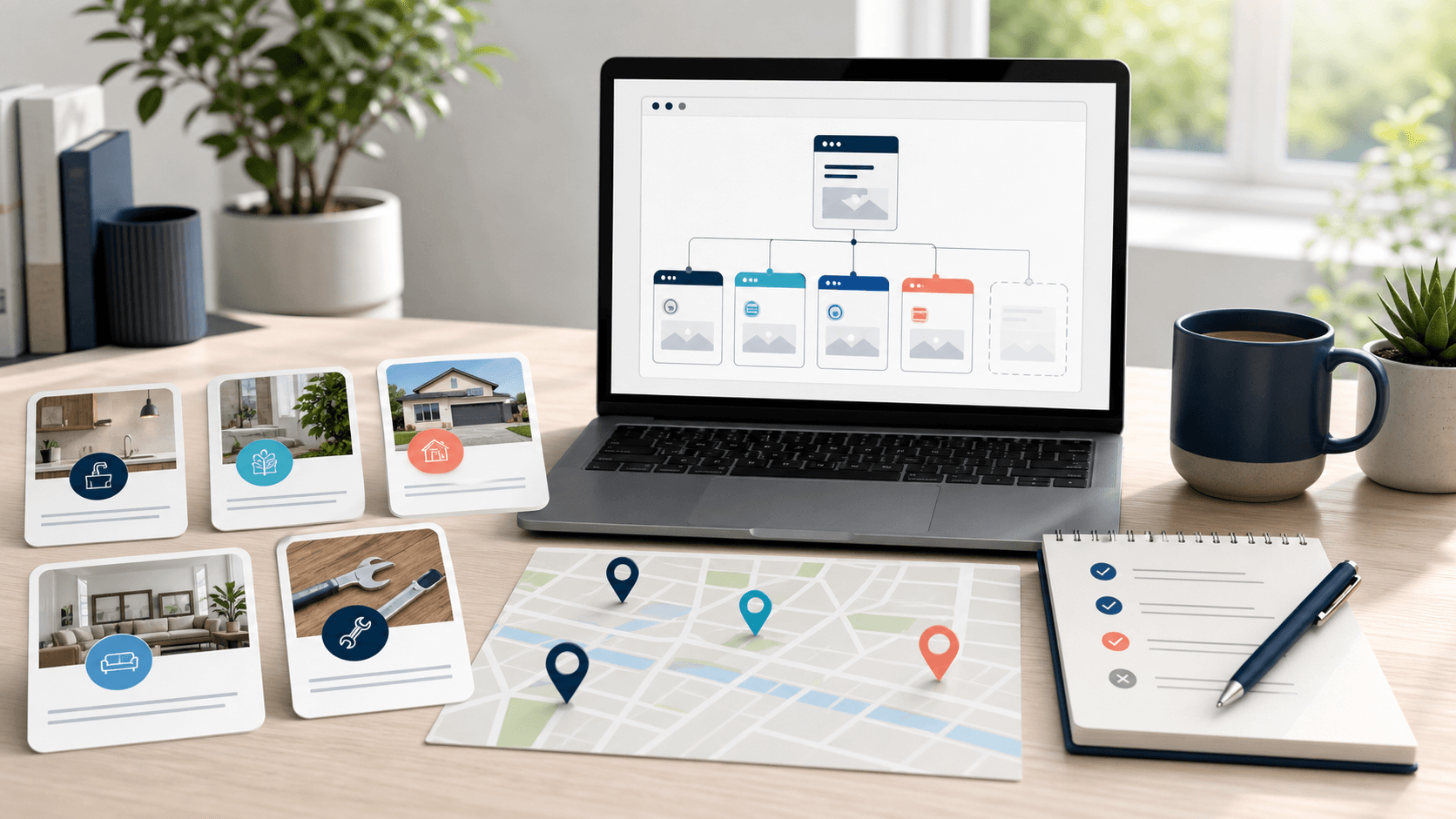
Start with the services customers actually buy
The first thing to gather is a clear service list.
Not every internal capability needs to be a headline. A website should lead with the services customers are most likely to search for, compare, and buy. That may be different from the way the owner talks about the business internally.
A useful service list should include:
- the main services that deserve their own page or section;
- the smaller services that can be grouped together;
- the services that are profitable or strategically important;
- the services the business does not want more of;
- and any service names customers use that differ from industry language.
That last point matters. Customers do not always search the way professionals talk. A homeowner may search for "water heater replacement" while the company talks about plumbing systems. A diner may search for "catering trays" while the restaurant talks about events. A salon client may search for a specific treatment instead of the broader category.
Good website planning respects that gap.
This is also where local SEO begins. Search-friendly pages are easier to write when the business knows which services should be visible. What local SEO actually needs on a small business website goes deeper on that structure, but the short version is simple: the website should be organized around real customer questions, not vague company language.
Gather proof before writing big claims
Many small business websites sound generic because they make claims without proof.
"Quality service." "Trusted team." "Reliable results." Those phrases may be true, but they do not give the visitor much to hold onto.
Better proof can be simple:
- real project photos;
- before-and-after examples;
- short customer quotes;
- years in business;
- licenses or certifications;
- warranty notes;
- recognizable neighborhoods served;
- menu photos;
- staff photos;
- or examples of common problems the business solves.
The goal is not to turn the website into a trophy case. The goal is to make trust visible.
A visitor should be able to tell whether the business has done this kind of work before, serves their kind of customer, and understands the situation they are bringing. That is especially important for local service businesses where trust is part of the buying decision.
Proof also keeps the copy honest. Instead of saying "we care about every customer," the page can show the owner on-site, the finished work, the process, the review, or the specific promise the team can actually keep.
Bring photos that show the real business
Photos shape the first impression faster than most copy.
The best website photos usually show the actual business: the storefront, team, trucks, workspace, menu items, finished projects, tools, customers using the space, or the kind of environment the customer will experience.
Stock photos can fill a gap, but they rarely create local trust on their own. A small business does not need perfect photography to look credible. It needs clear, honest images that help a visitor understand what the business does and what it feels like to work with them.
Before the build starts, gather:
- horizontal photos for homepage and section backgrounds;
- vertical photos for mobile-friendly layouts and social previews;
- close-ups of products, food, materials, or finished details;
- team or owner photos if personality matters to the sale;
- exterior photos if customers visit the location;
- and any old photos that should not be used anymore.
Also decide what must be avoided. Some businesses have outdated uniforms, old signage, retired services, seasonal items, or photos from a previous location. Those details matter. The website should not accidentally sell a version of the business that no longer exists.
Write down the customer questions you answer every week
The best website copy often comes from ordinary conversations.
If customers ask the same question every week, the website probably needs to answer it. That does not mean every answer belongs on the homepage, but the information should be somewhere easy to find.
Common questions might include:
- "Do you serve my area?"
- "How much does this usually cost?"
- "How soon can you come out?"
- "Do I need an appointment?"
- "Can I order online?"
- "Do you handle delivery?"
- "What should I bring?"
- "Do you work with businesses or only homeowners?"
- "Can I pay a deposit?"
- "What happens after I request a quote?"
These questions reveal what the website needs to explain before the visitor contacts the business.
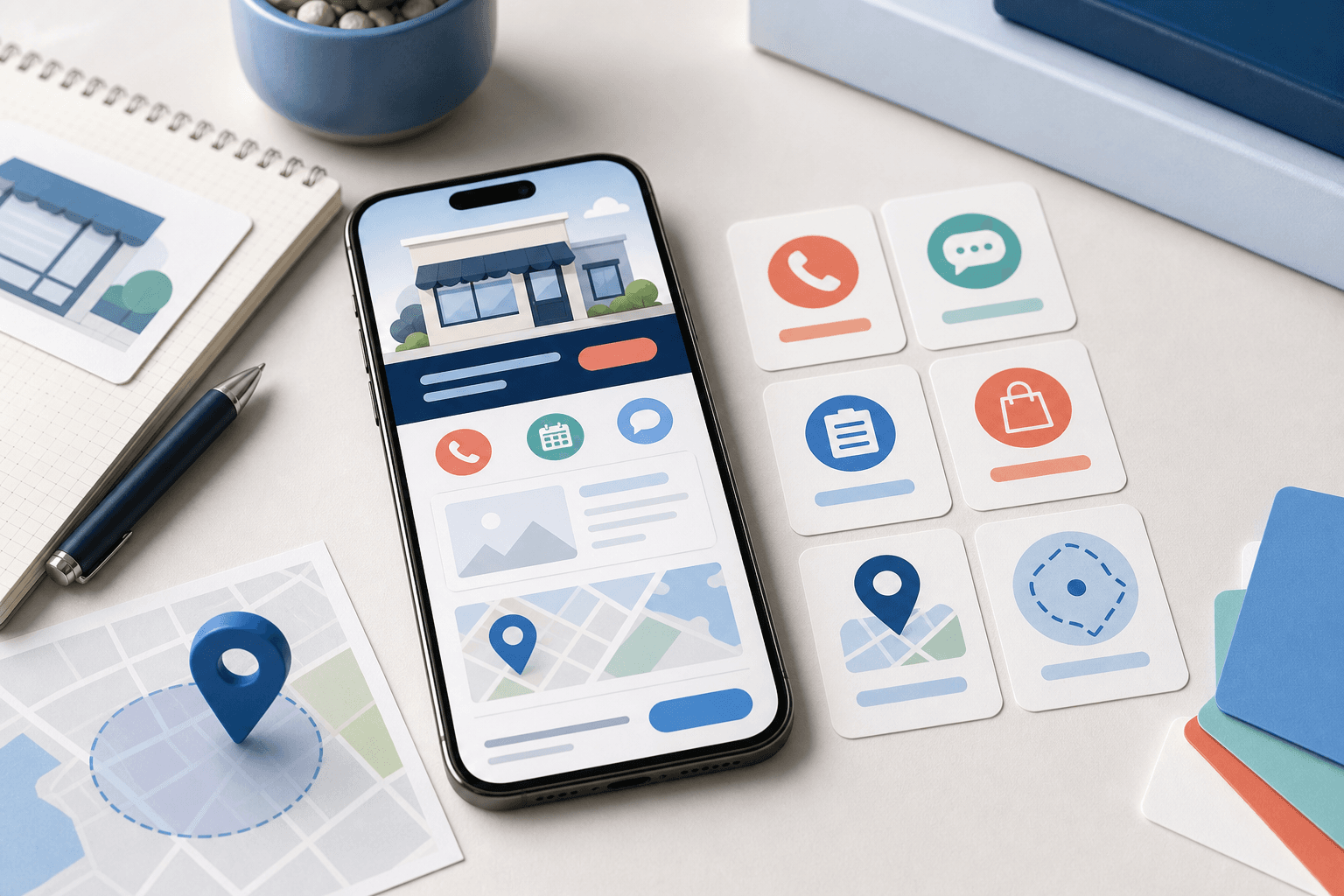
They also shape the call to action. If customers are usually ready to book, the site may need scheduling. If they need qualification first, the site may need smarter intake. If they are comparing service areas, the site may need stronger location pages. If they are ordering food, the path needs to make menu, timing, pickup, and delivery details clear.
This is why planning the website and the follow-up path together works better than treating the website like a standalone brochure.
Decide what should happen after the visitor reaches out
A website lead is not useful just because it arrives.
The business needs to know what happens next.
Before the build starts, decide:
- who receives the form submission;
- what information the customer must provide;
- whether the business should respond by phone, email, or text;
- how urgent the response is;
- when a quote, deposit, booking, or order step should happen;
- and whether different requests need different paths.
This is where many website projects quietly become workflow projects. A simple contact form may be enough for a business that only needs basic inquiries. But if the team needs statuses, routing, reminders, payment readiness, customer accounts, restaurant ordering, or staff views, the project may need deeper software behind the public site.
That does not mean overbuilding on day one. It means being honest about the handoff.
If you are still sorting out where that line is, how to tell when your website scope needs a custom quote is a useful companion. A standard website can do a lot, but repeated business rules change the shape of the project.
Collect local details that make the site specific
Local businesses need local signals.
That does not mean stuffing city names into every paragraph. It means making the website specific enough that a real customer can understand where the business works and whether they are in the right place.
Useful local details include:
- primary city or neighborhood;
- service area boundaries;
- nearby towns worth mentioning;
- location, parking, or access notes;
- delivery radius or ordering limits;
- seasonal service patterns;
- local landmarks only when they genuinely help;
- and which areas should not be promoted.
This helps both visitors and search engines. A page about "landscaping" is less useful than a page that clearly explains the business, the services, and the actual area served.
The same thinking applies to restaurants. A direct ordering path works better when hours, pickup expectations, delivery area, fees, and menu availability are clear before checkout. If a restaurant needs ordering software rather than a basic menu page, Blue Penguin can support the public website while OmNom handles zero-commission restaurant ordering with zero extra monthly platform fees.
Separate must-haves from later ideas
Website projects get messy when every idea has the same priority.
Before the build starts, split the wish list into three groups:
- Must launch with the site.
- Helpful soon after launch.
- Interesting later.
The must-have list should be tight. It usually includes the pages, services, contact path, proof, photos, and technical setup needed for the site to work publicly.
The "soon after" list may include better intake, more service pages, SEO expansion, a payment step, or a cleaner follow-up system.
The "later" list may include custom software, mobile apps, customer portals, staff dashboards, deeper ordering logic, or integrations.
This keeps the first launch from getting trapped under every future idea. It also protects the budget conversation. Blue Penguin's current website offer is straightforward: $200 to launch, $30/year after that, a three-month satisfaction guarantee, and no contracts. Pricing can still be negotiated when the scope genuinely needs software, apps, ordering, portals, payments, or other custom workflow.
Simple pricing works best when the launch scope is clear.
A practical pre-build checklist
If you want to be ready for a smoother website build, gather this before the first serious planning conversation:
- your main services or offers;
- the services you do not want to promote;
- the cities, neighborhoods, or delivery areas that matter;
- real photos of the team, work, place, products, or menu;
- reviews, testimonials, credentials, or project proof;
- common customer questions;
- pricing notes you are comfortable sharing publicly;
- the action you want visitors to take first;
- what happens after someone submits a form, books, orders, or calls;
- and the ideas that should wait until after launch.
This does not need to be polished. A rough folder, notes document, shared album, or spreadsheet is enough. The important thing is that the website builder is not forced to invent the business from scratch.
Where Blue Penguin fits
Blue Penguin is useful when a small business wants the website, content, handoff, hosting, domain setup, and future technical path handled together.
The first launch can stay focused: a clean website, real business information, mobile-friendly pages, clear calls to action, and a practical way for customers to reach out. Then the same foundation can grow into stronger local SEO, better follow-up, payments, restaurant ordering, custom software, or a mobile app if the business starts needing more than a standard site.
If you already have the rough pieces but need help turning them into a site that can launch cleanly, start with Blue Penguin's get started flow. If you are still deciding what the main website action should be, read how to choose the primary call to action for a small business website.