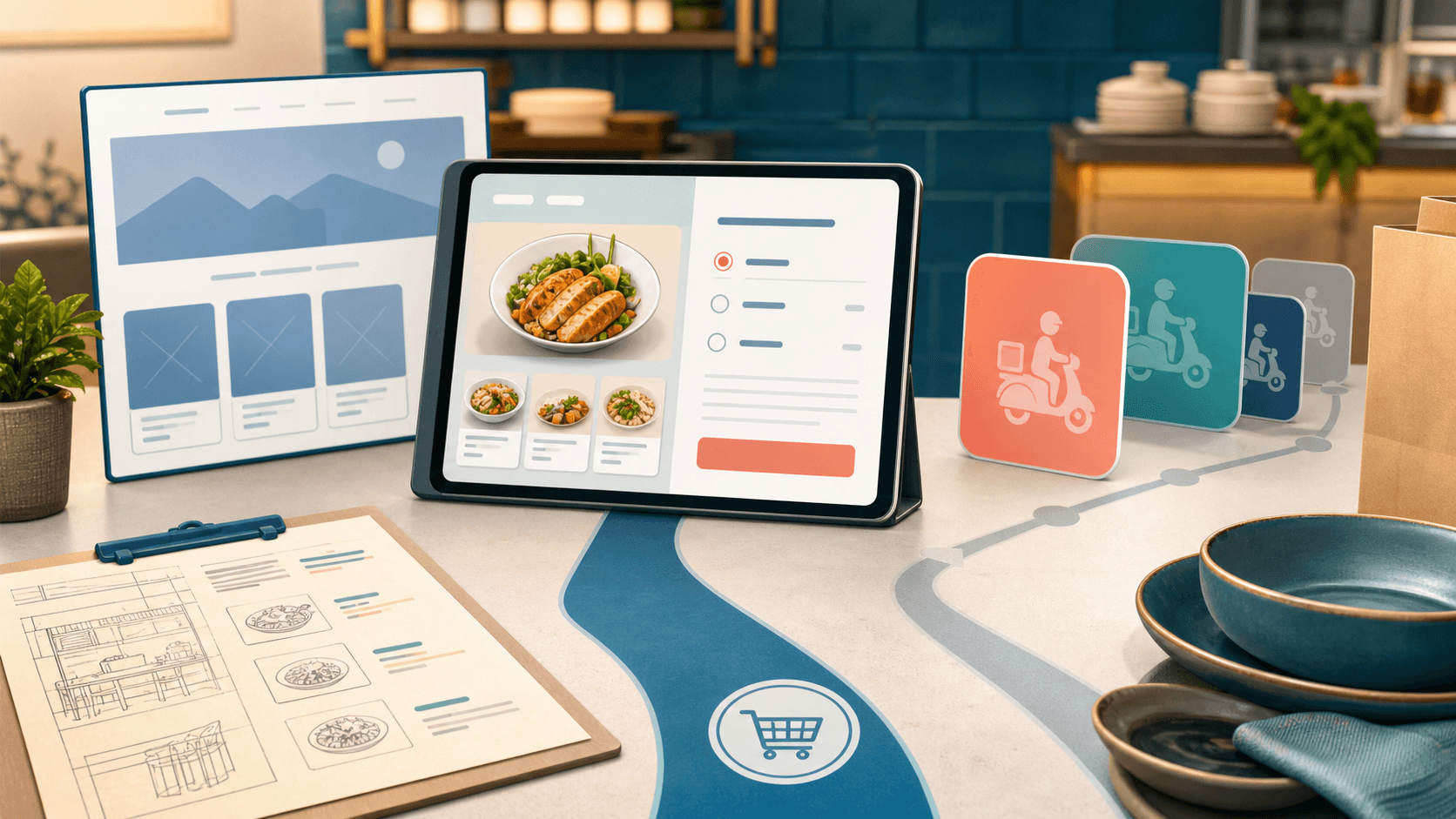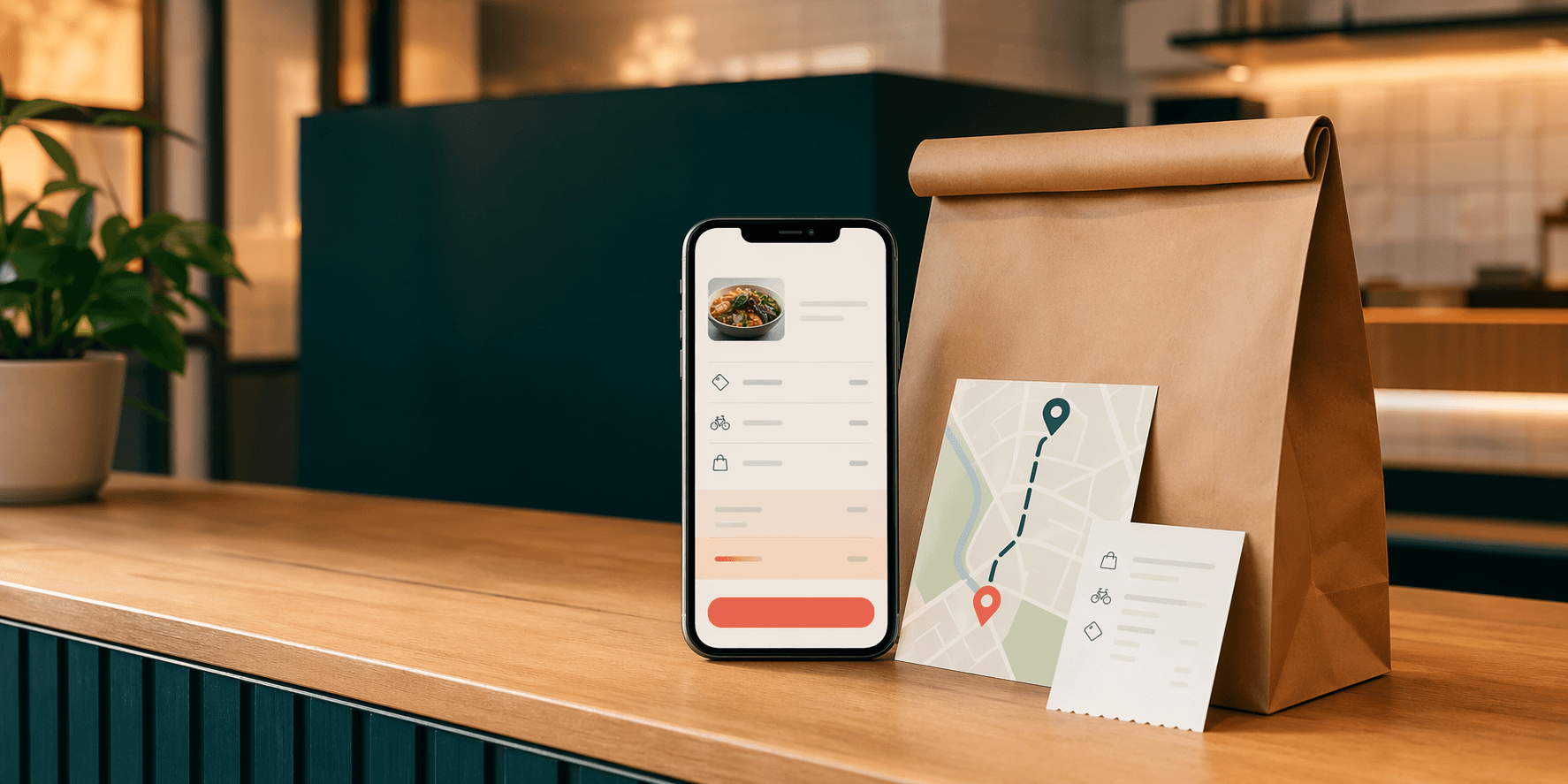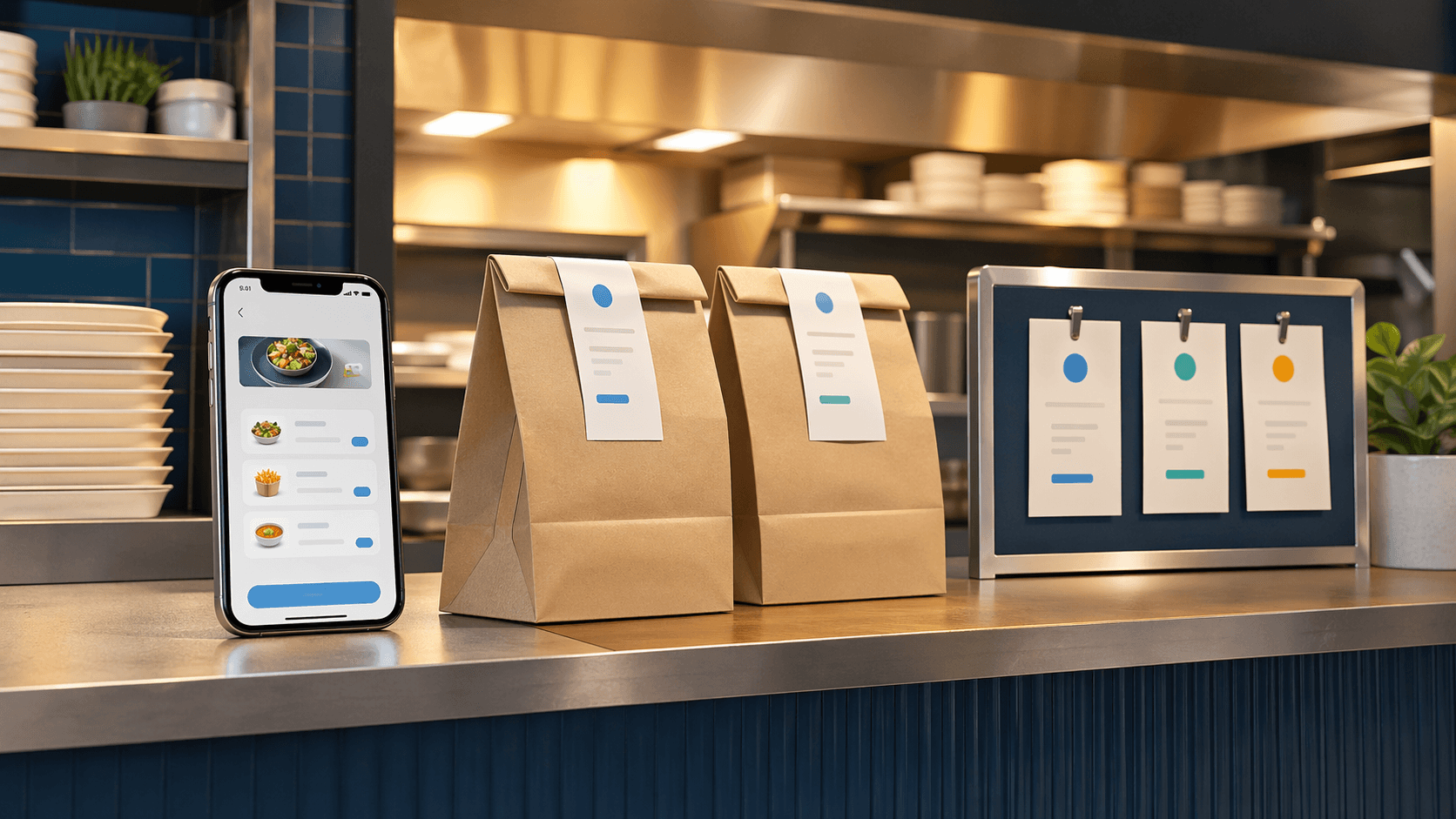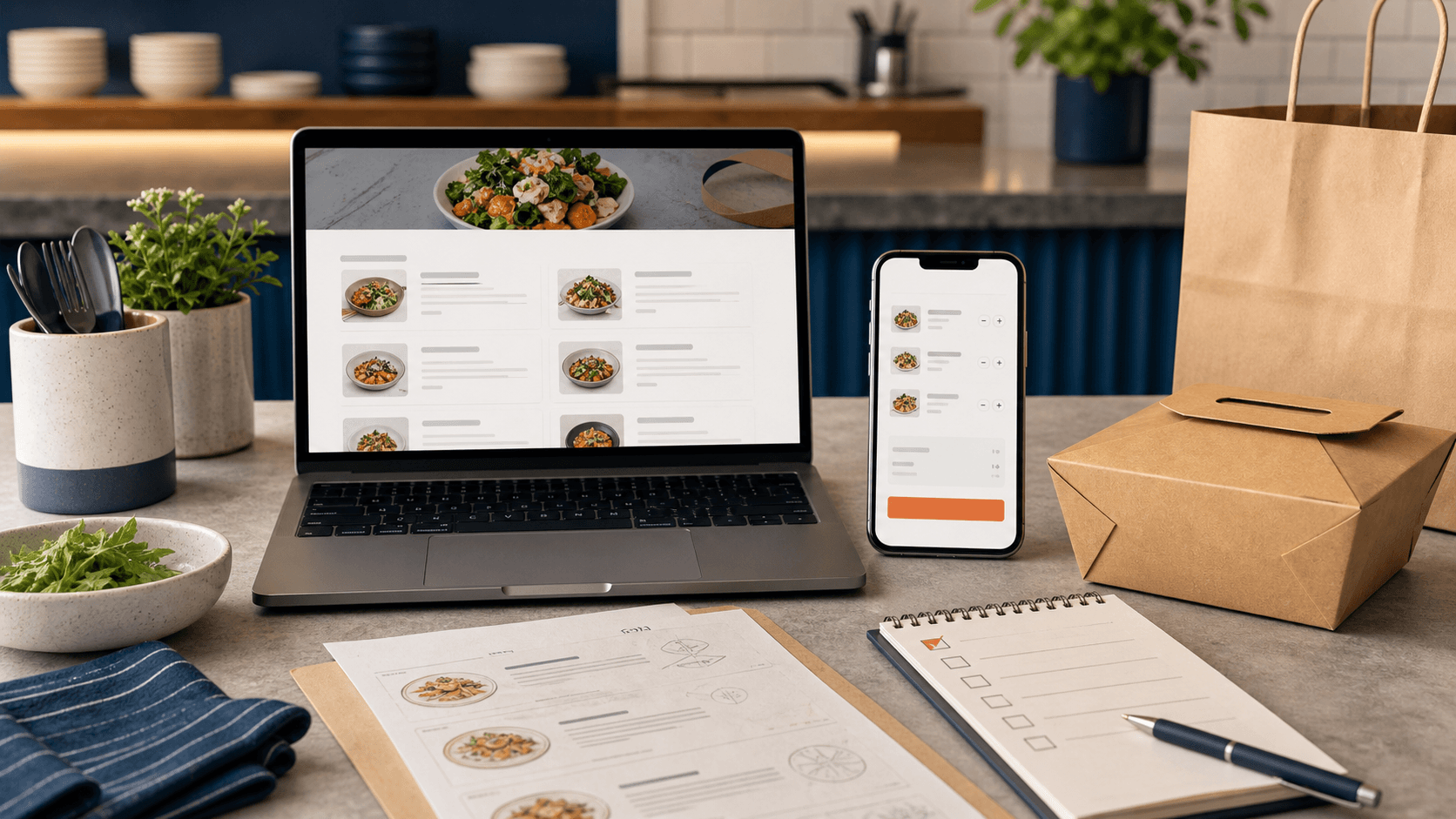
A menu page and an ordering system do different jobs
A restaurant menu page helps customers decide.
An online ordering system helps customers act.
Those sound close, but they are not the same job. A menu page can show food, prices, hours, location, and the basic path to call or visit. That may be enough for a restaurant where orders are mostly dine-in, phone-based, or intentionally simple.
Online ordering is a bigger operational promise. It means the website is no longer only answering "What do you serve?" It is also handling "Can I order this now, pay for it, choose pickup or delivery, and trust the restaurant to receive the details correctly?"
That promise can be very useful. It can also create mess if the restaurant adds it before the menu, kitchen flow, timing, and handoff are ready.
The right question is not whether every restaurant should add online ordering. The right question is whether the current menu page is still enough for the way customers already want to buy.
A menu page is enough when the next step is still simple
Some restaurants do fine with a strong menu page and clear contact path.
That is especially true when:
- the restaurant mainly wants dine-in traffic;
- the menu changes too often for a structured cart;
- most orders still need a conversation;
- pickup volume is low or irregular;
- or the team is not ready to manage paid orders from the website.
In that stage, the website should not pretend to be more than it is. It should make the important basics easy:
- menu sections that are readable on a phone;
- accurate hours;
- location and directions;
- phone number;
- catering or event inquiry path when relevant;
- and a clear note about whether pickup, delivery, or reservations are available.
A good restaurant website can still be valuable without full checkout. The menu page can rank for local searches, help customers decide faster, and reduce basic phone questions.
The mistake is letting "simple" become vague. If the restaurant does not offer online ordering yet, the site should still make the next action obvious.
The first sign you need ordering is repeated phone friction
Phone orders are not bad.
They become a problem when the same avoidable details keep slowing staff down.
For example:
- customers ask whether an item is available because the menu is unclear;
- staff repeat modifier options over and over;
- customers forget to give pickup names or contact details;
- payment happens awkwardly at the counter;
- or mistakes happen because the order was heard incorrectly during a rush.
That kind of friction is a signal. The website may need to do more than display the menu. It may need to collect structured order details before the kitchen ever sees the ticket.
Online ordering can help when the restaurant already has repeatable choices:
- sizes;
- add-ons;
- required modifiers;
- pickup timing;
- simple customer notes;
- and payment before arrival.
The key word is repeatable. If the same questions are asked on most orders, the ordering flow can ask them once in a clean way.
Pickup demand is usually the cleanest first test
Restaurants often jump straight from "we have a menu page" to "we need delivery."
Pickup is usually the better first step.
Pickup ordering tests whether customers will use a direct digital path without adding delivery distance, driver timing, or service-area rules. It also shows whether the kitchen can handle web orders without confusion.
Before a restaurant adds full delivery, the pickup flow should answer:
- when pickup is available;
- how long common orders usually take;
- whether scheduled pickup is allowed;
- what name or order number the customer should use;
- where the customer should go when they arrive;
- and what happens if online ordering is paused during a rush.
If those details are missing, online ordering may still help, but the first version should stay narrow. Start with pickup, not every channel at once.
This is why Blue Penguin often treats restaurant websites and ordering logic as one customer journey. The public site gets people to the order path, and the order path has to match how the restaurant actually works.
Delivery plans change the website requirements
Delivery makes the menu page work harder.
A basic menu page can say what the restaurant serves. A delivery-ready ordering path has to explain more:
- delivery radius;
- fee expectations;
- minimum order rules if they apply;
- delivery hours;
- items that travel well;
- pickup as an alternative;
- and what the customer should expect after checkout.
If the restaurant wants more direct delivery orders, the website cannot bury those details until the last step. Customers need enough clarity before they build a cart.
OmNom powers direct online ordering with a fixed $1.25 service fee per order for every restaurant, paid by customers by default. Partnering with Blue Penguin does not increase this fee. Restaurants can choose to cover part of it. Restaurants pay OmNom's processing charge, typically 2.9% + 30¢ per successful US domestic online card payment; rates can vary.
That model still needs clear website copy. The customer should understand the ordering path, delivery cost, and pickup fallback without guessing.
The menu has to be structured before the cart can be trusted
A messy menu page usually becomes a messy ordering system.
If the public menu has unclear categories, outdated items, missing prices, vague modifiers, or photos that do not match what customers can actually buy, the cart will inherit those problems.
Before turning a menu page into online ordering, the restaurant should clean up:
- section names;
- item names;
- descriptions;
- prices;
- required choices;
- optional add-ons;
- sold-out or seasonal items;
- and notes about spice level, substitutions, allergies, or preparation style where those details matter.
The goal is not to make the menu longer. The goal is to make the menu easier to buy from without a staff member translating it in real time.
If a customer cannot confidently choose the item from the page, they probably cannot confidently choose it from a cart either.
Catering and custom orders may still need a separate path
Adding online ordering does not mean every restaurant request belongs in the cart.
Everyday pickup orders, delivery orders, catering inquiries, private events, and large custom orders often need different paths. A restaurant can have online ordering for normal menu items and still use a dedicated inquiry flow for catering.
That separation matters because the customer intent is different.
A lunch pickup customer wants speed. A catering buyer may need headcount, date, setup details, delivery notes, budget expectations, and staff review before anything is confirmed.
If the restaurant tries to force both into one cart, one of the paths usually gets worse.
The better structure is simple:
- menu page for browsing;
- online ordering for repeatable pickup or delivery;
- catering page or inquiry form for larger planned requests;
- and a clear call path for anything urgent or unusual.
That gives each customer the right amount of structure without making the website feel heavier than it needs to be.
Use a phased rollout instead of a giant launch
Online ordering works better when it grows in stages.
A practical sequence might look like this:
- Clean up the restaurant website and menu page.
- Add a clear order button and pickup-ready menu.
- Test paid pickup orders with a manageable set of items.
- Improve modifiers, timing, receipts, and handoff based on real friction.
- Add delivery rules only when pickup is stable.
- Separate catering or custom inquiries into their own workflow.
That sequence keeps the project grounded. The restaurant learns from actual behavior instead of trying to predict every ordering edge case before launch.
It also protects the team. A beautiful ordering interface is not useful if staff do not know where tickets appear, how orders are labeled, or how to pause ordering when the kitchen is overwhelmed.
Where Blue Penguin fits
Blue Penguin is useful because the restaurant does not have to split the public website, technical setup, hosting, ongoing updates, and ordering decision across unrelated vendors.
Blue Penguin now offers restaurants a free partnership: a custom website, custom domain, hosting, setup, technical support, and funded marketing. We reinvest part of the existing OmNom service fee into online ads and physical mail for the restaurant. More order activity supports more investment over time.
The free partnership connects the restaurant website to OmNom, so customers can move from browsing the menu to placing an order.
The decision is not "menu page or ordering forever." It is:
- Is the current menu helping customers decide?
- Are phone orders creating repeated avoidable work?
- Is pickup ready to be structured?
- Does delivery need clearer rules?
- Are catering and custom requests separate from everyday orders?
If the answer points toward a real transaction flow, online ordering may be the next practical step.
If your restaurant needs help deciding where that line is, start with Blue Penguin's free restaurant demo. If you want to tighten the public website before adding ordering, read a restaurant website checklist for more direct orders.