The question is not whether custom software sounds better
Many small businesses reach a familiar point: the website is working, leads are coming in, staff are busy, and the owner starts wondering whether the next step should be a software tool.
That question can get expensive quickly if it starts in the wrong place.
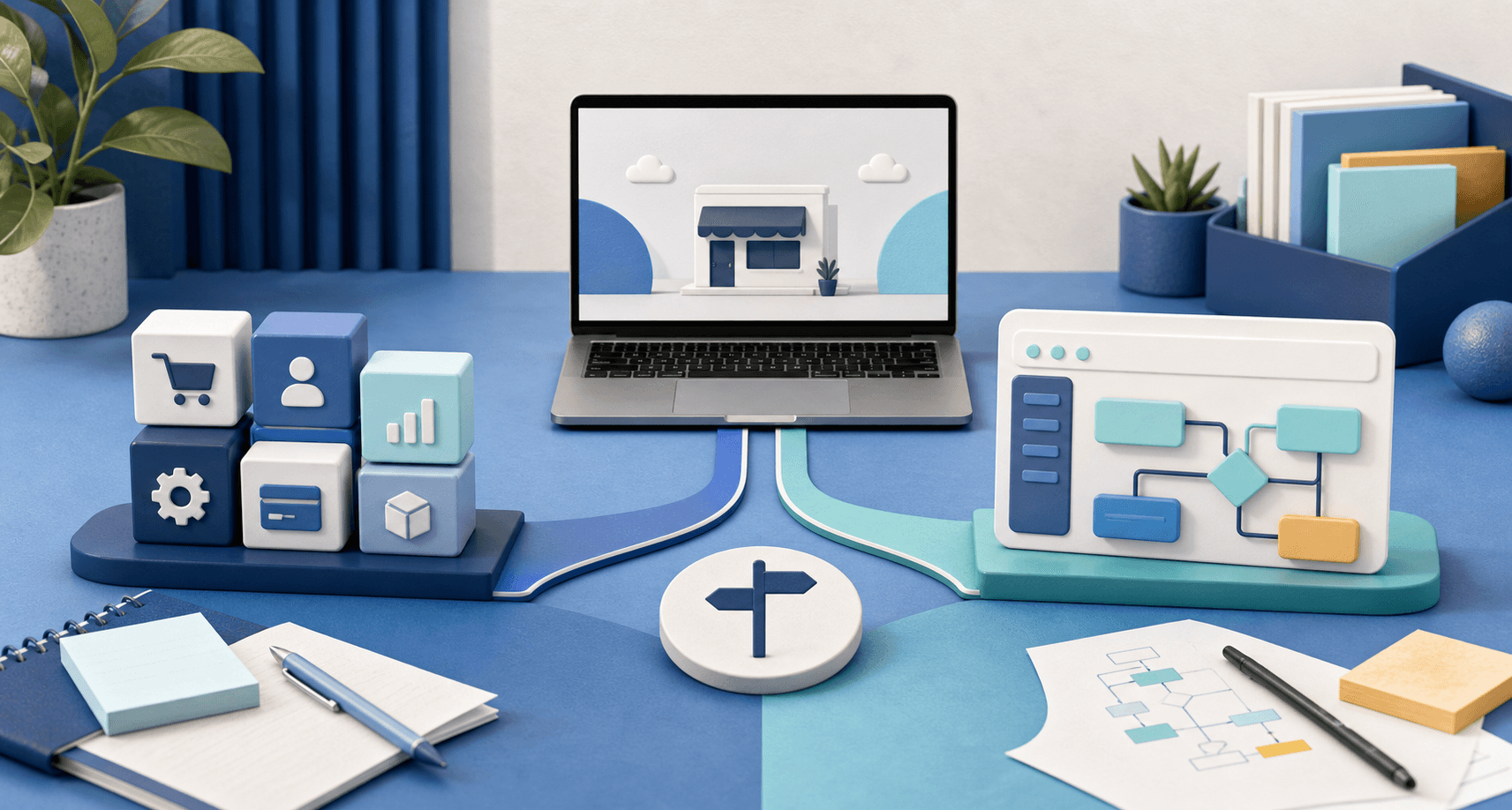
The useful choice is not "custom software is serious" versus "off-the-shelf software is basic." Both can be right. Both can be wasteful. The better question is whether the business has a common workflow that a standard tool can support, or a specific workflow that keeps bending standard tools out of shape.
If the work is common, start with the existing tool.
If the work is becoming part of how the business wins, custom software may be worth planning.
Start with off-the-shelf when the workflow is ordinary
Off-the-shelf software is often the right first move when the business problem is recognizable.
Most small businesses do not need custom software for every routine need. A booking calendar, email marketing tool, point-of-sale system, spreadsheet, shared inbox, payment processor, simple CRM, or project board can be a perfectly good answer when the workflow follows a normal pattern.
That is especially true when the business is still learning what it needs.
Use an existing tool when:
- the process is close to how other businesses do it;
- the team can adopt the tool without constant exceptions;
- the cost is clear and reasonable;
- the business does not need a unique customer experience;
- the owner is still testing the workflow;
- or the tool saves time without creating a new admin burden.
A standard tool can also be useful before a custom build because it teaches the business what matters. The team learns which fields are required, which statuses are useful, which notifications are annoying, and which steps customers actually complete.
That learning is valuable.
The mistake is treating the first tool as permanent if the business keeps fighting it.
Watch for the workaround tax
Off-the-shelf software starts getting expensive when the subscription is not the real cost.
The real cost is the workaround tax.
That shows up when staff keep doing extra work because the tool almost fits:
- copying website leads into another system by hand;
- renaming fields so the tool sort of matches the business;
- keeping a spreadsheet beside the software because the software cannot show the right status;
- using notes fields for important operational rules;
- sending manual follow-up because the tool cannot route requests cleanly;
- asking customers to repeat information the business already collected;
- or paying for a large platform when the team only uses a small, awkward piece of it.
One workaround is normal. Five permanent workarounds are a signal.
This is the same pressure behind when a business needs custom software, not another spreadsheet. The problem is rarely that the old tool is bad. The problem is that the business has outgrown the shape of it.
Custom software makes sense when the workflow is specific and repeated
Custom software is not automatically better. It is better when the business has a repeated workflow that is specific enough to deserve its own system.
That usually means the same steps keep happening in the same order, but standard tools cannot handle them without friction.
For example:
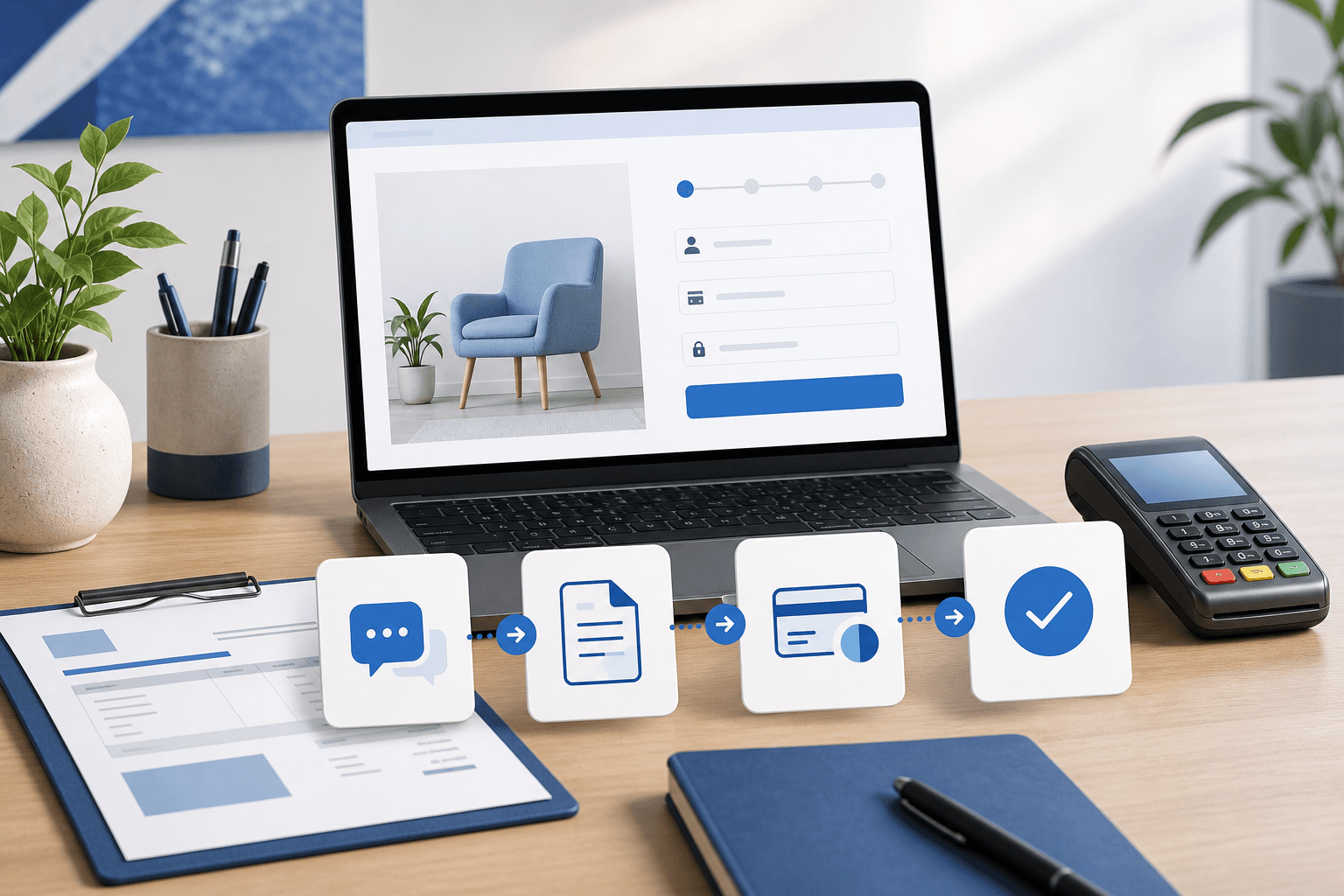
- a service business needs quote requests to become estimates, approvals, deposits, job notes, and status updates;
- a restaurant needs direct ordering rules that separate pickup, delivery, catering, fees, and kitchen timing;
- a field team needs mobile job details, photo uploads, checklists, and office handoff notes;
- a membership or subscription business needs customer records, payment state, support requests, and renewal logic in one place;
- or a local company needs staff to see different views of the same customer workflow.
Those are not just "website features." They are operating rules.
If the rules are stable, repeated, and important, custom software can reduce the drag that comes from forcing the business into a generic tool.
Do not build custom software for an unclear process
There is one warning that matters more than almost anything else:
Do not build custom software around a process the business cannot explain yet.
Custom software is strongest when it turns a known workflow into a cleaner system. It is weaker when it becomes a place to discover the workflow from scratch.
Before building, the business should be able to answer practical questions:
- What starts the workflow?
- Who owns the next step?
- What information is required?
- Which statuses matter?
- Where do payments, approvals, uploads, or notifications belong?
- What should customers see?
- What should staff see?
- Which exceptions are common enough to support?
- Which exceptions can still be handled manually?
If those answers are fuzzy, the first project may need to be a better website handoff, a cleaner form, or a small internal process before it becomes software. How to decide what your small business website should automate first is a useful next read for that middle ground.
Compare ownership, not just monthly cost
The cheapest option is not always the least expensive over time.
Off-the-shelf software usually has a lower starting cost. It can also bring fast setup, built-in support, updates, and a familiar interface. Those are real advantages.
Custom software usually costs more to design and build because it has to match the business more closely. But it can also reduce duplicated work, remove tool sprawl, simplify the customer experience, and keep the workflow under one roof.
The useful comparison is ownership:
- Who controls the workflow?
- Who can change it when the business changes?
- How much manual work remains outside the tool?
- Does the customer experience feel clear or patched together?
- Does the team trust the system enough to use it every day?
- Will the business keep paying for features it does not need?
Sometimes the answer is still off-the-shelf. Sometimes the business should use the standard tool for now and revisit the decision later.
But when the workflow itself is becoming part of the service quality, the software choice is no longer just a cost comparison. It becomes an operations decision.
The website should still be part of the decision
For many local businesses, the software question starts at the website.
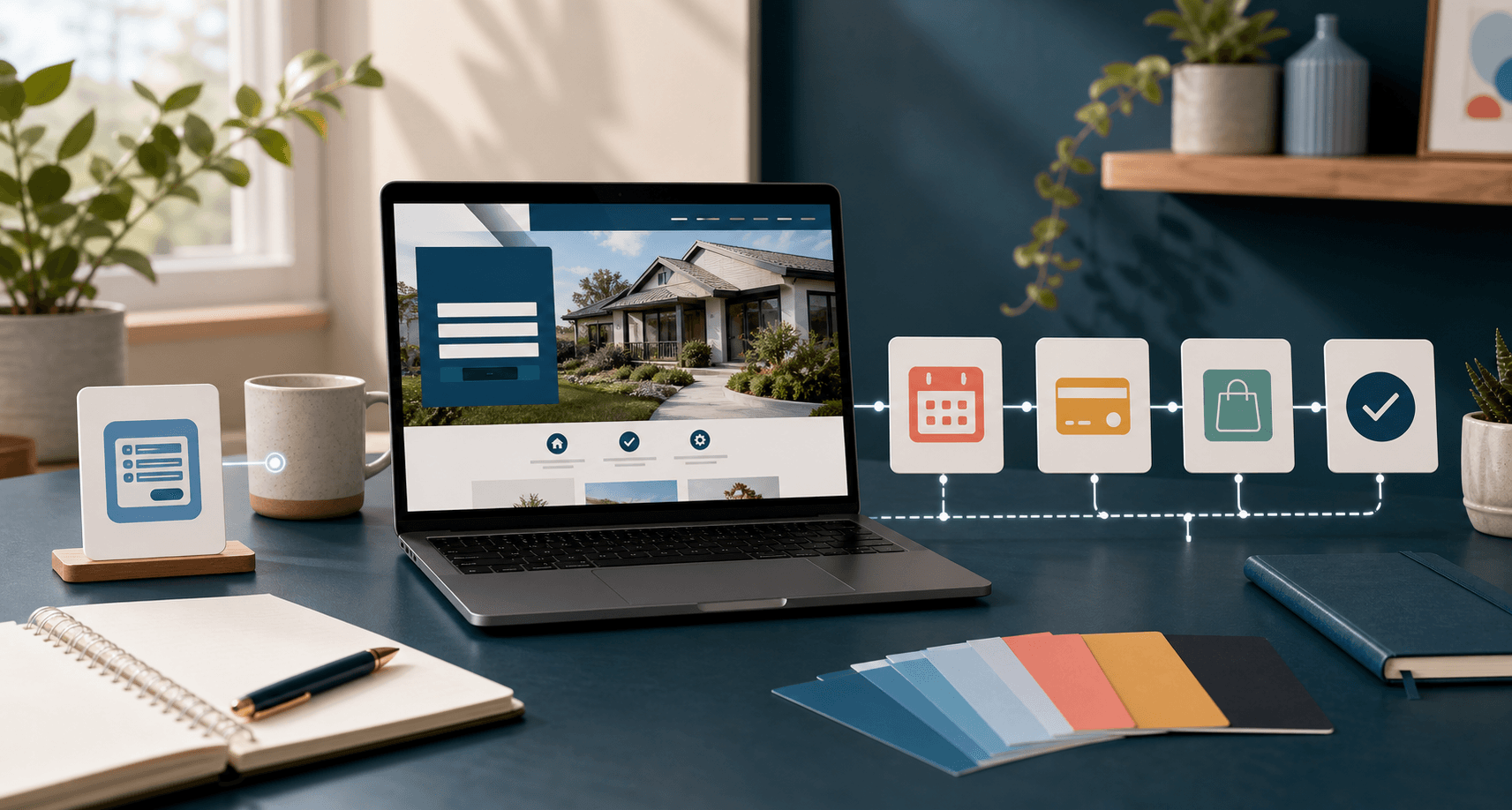
A customer finds the business, reads a service page, requests a quote, books, orders, pays, uploads details, or asks for support. After that first action, the internal workflow begins.
If the website collects weak information, even great software downstream will struggle. If the website sends the right details into the right process, the business has a stronger foundation for either standard tools or custom software.
That is why the first step is often not "buy software" or "build software." It is mapping what should happen after the website creates a customer action.
A simple website can send leads to a standard CRM. A stronger website can collect better details before the handoff. A custom system can connect the website, staff workflow, payment state, and customer updates when the business is ready for that depth.
The sequence matters.
Where Blue Penguin fits
Blue Penguin is useful when a business is not sure whether it needs a better website, a cleaner handoff, custom software, a mobile app, or a mix of those pieces.
The active website offer is $200 to launch, then $30/year after launch, with a three-month satisfaction guarantee. That applies well to straightforward website work: public pages, hosting, domain setup, maintenance, and normal site care.
Custom software, mobile apps, restaurant ordering, and deeper workflow systems are different. Those should be quote-scoped around the real job, because pretending every software problem fits inside a simple website package helps nobody.
That is the advantage of planning the two together. The business can start with the website foundation when that is enough, use existing tools when they fit, and move into custom software only when the repeated workflow deserves it. How to tell when your website scope needs a custom quote explains that boundary in more detail.
A simple decision rule
Use off-the-shelf software when the workflow is common, the team can follow the tool's structure, and the customer experience still feels clean.
Consider custom software when the workflow is repeated, important, specific to how the business operates, and currently held together by manual workarounds.
Before choosing, write down three things:
- What the customer does first.
- What the team does next.
- Where the current tools create repeated friction.
That short map will make the decision clearer than a feature wishlist.
If you want help sorting out whether your next step is a website, an off-the-shelf tool, custom software, or a mobile workflow, start with Blue Penguin's get started flow and describe the handoff that keeps slowing the business down.